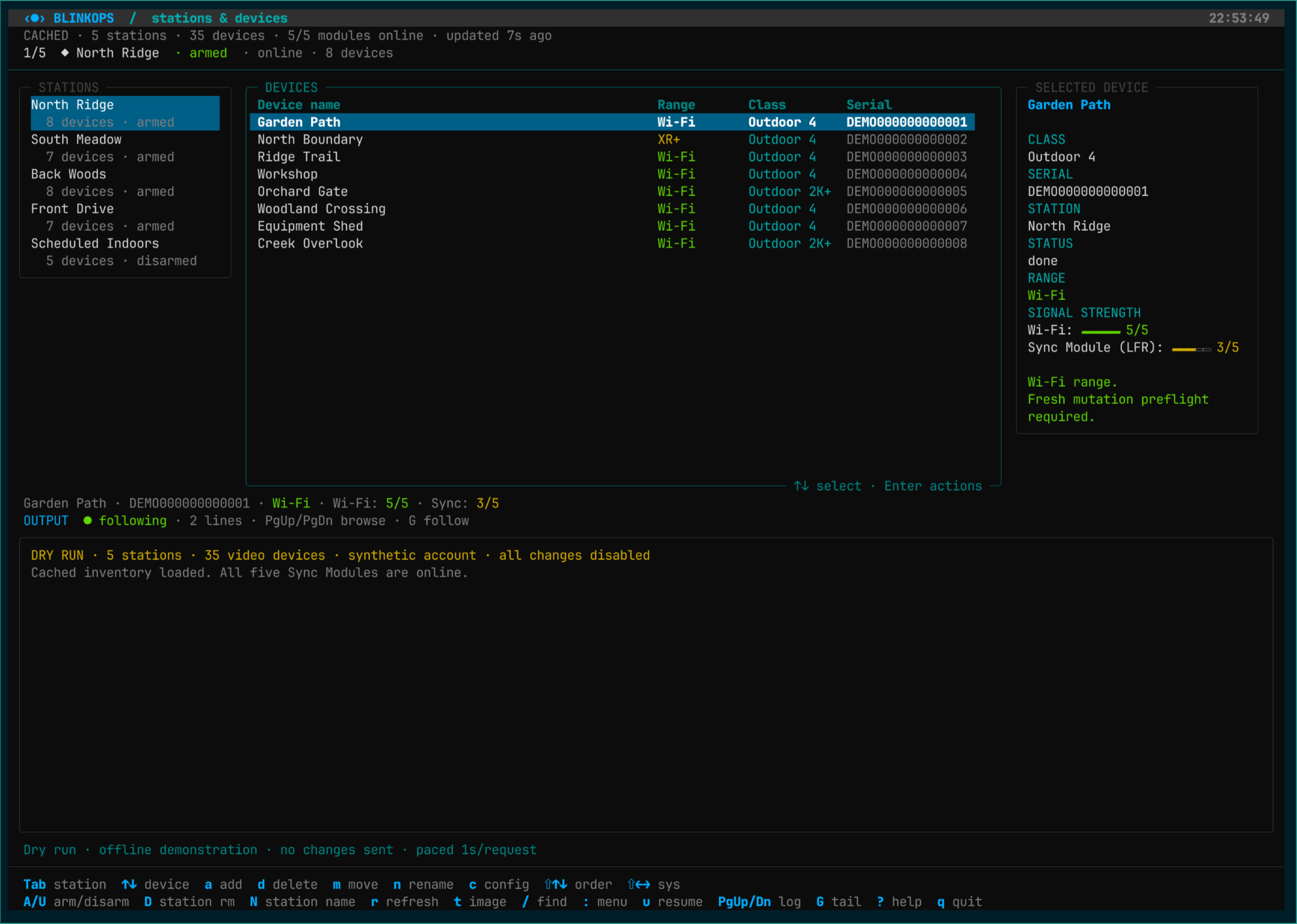
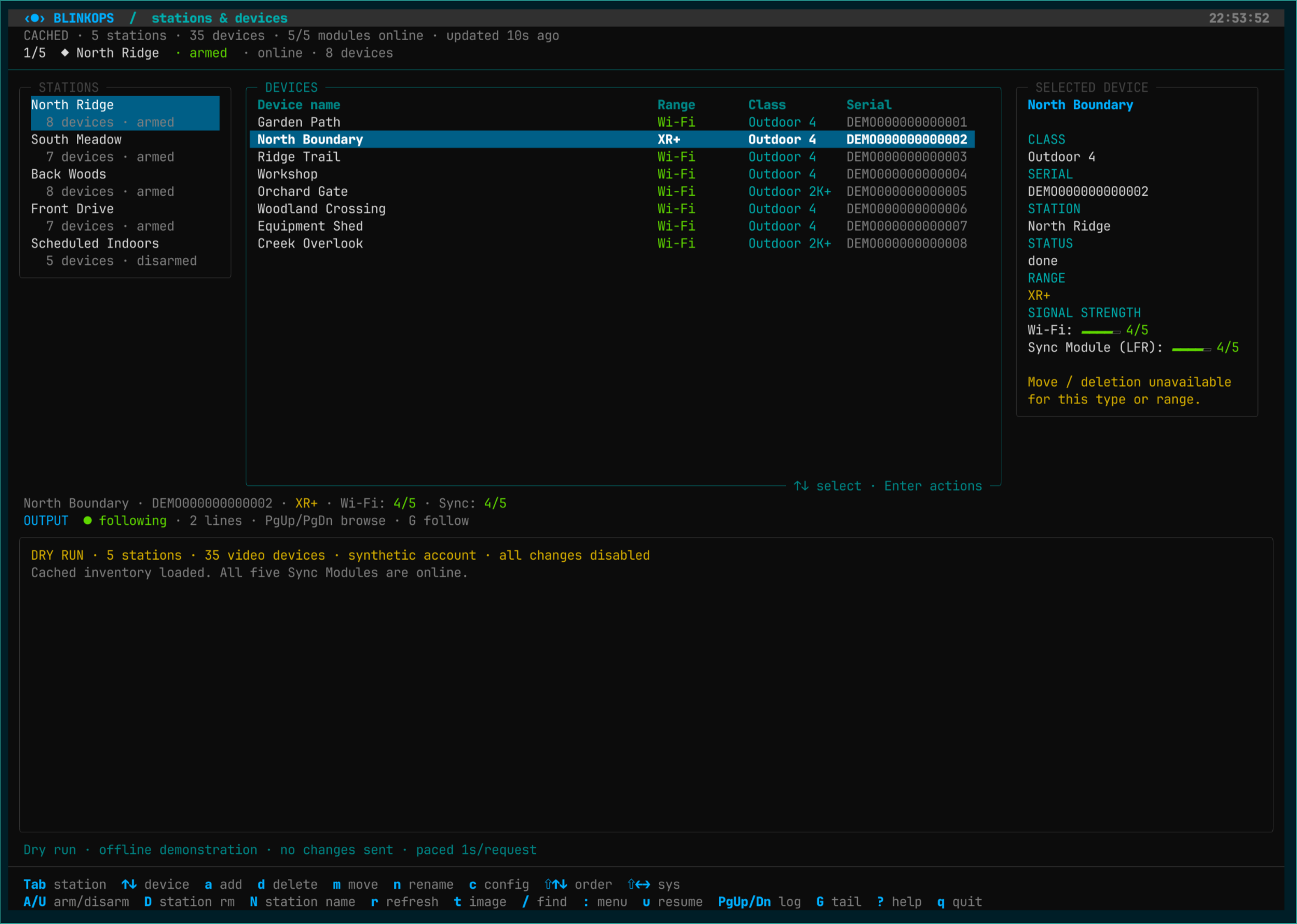
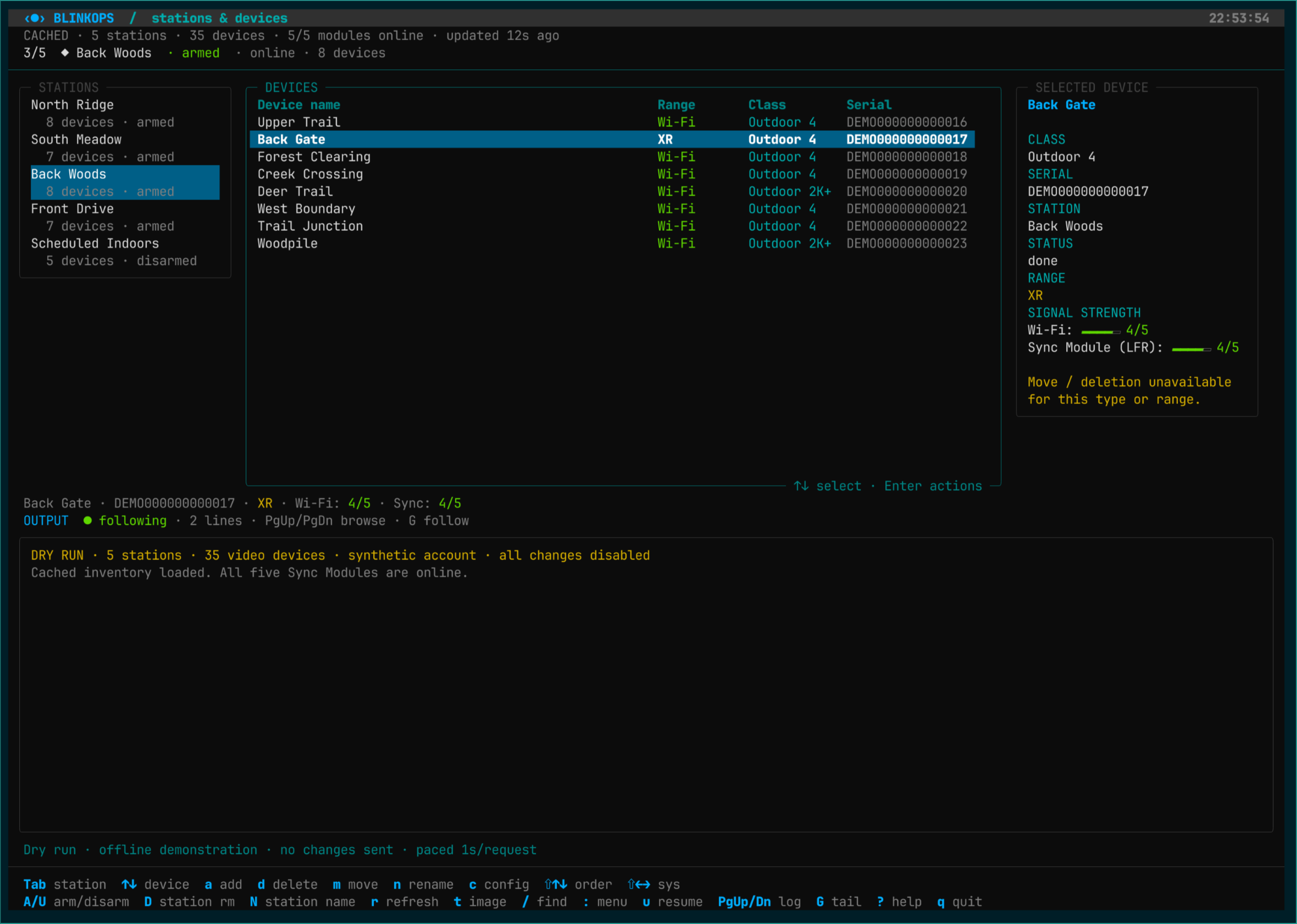
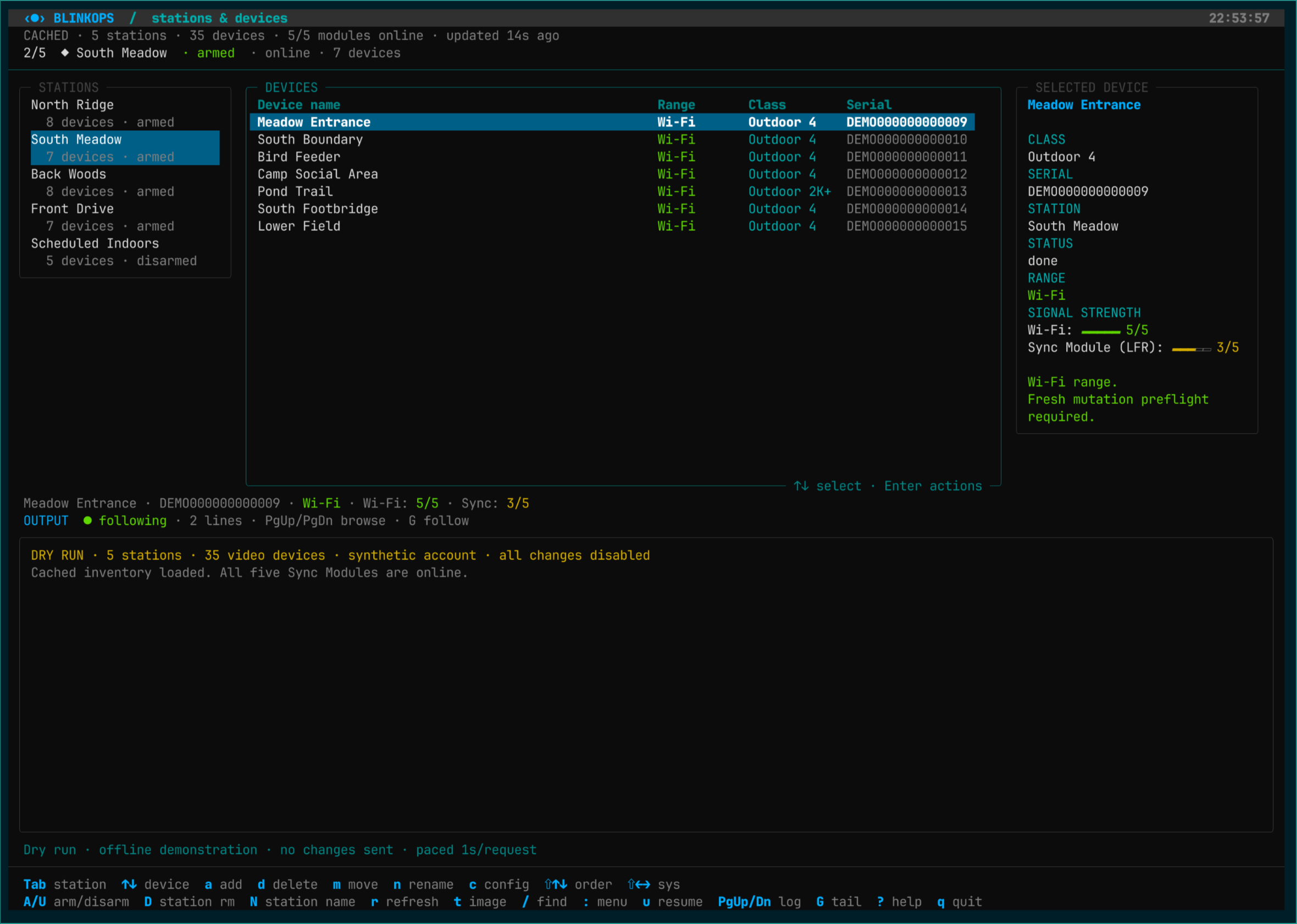
35 captures of the station browser, device details, search, settings, operation previews, and keyboard help.
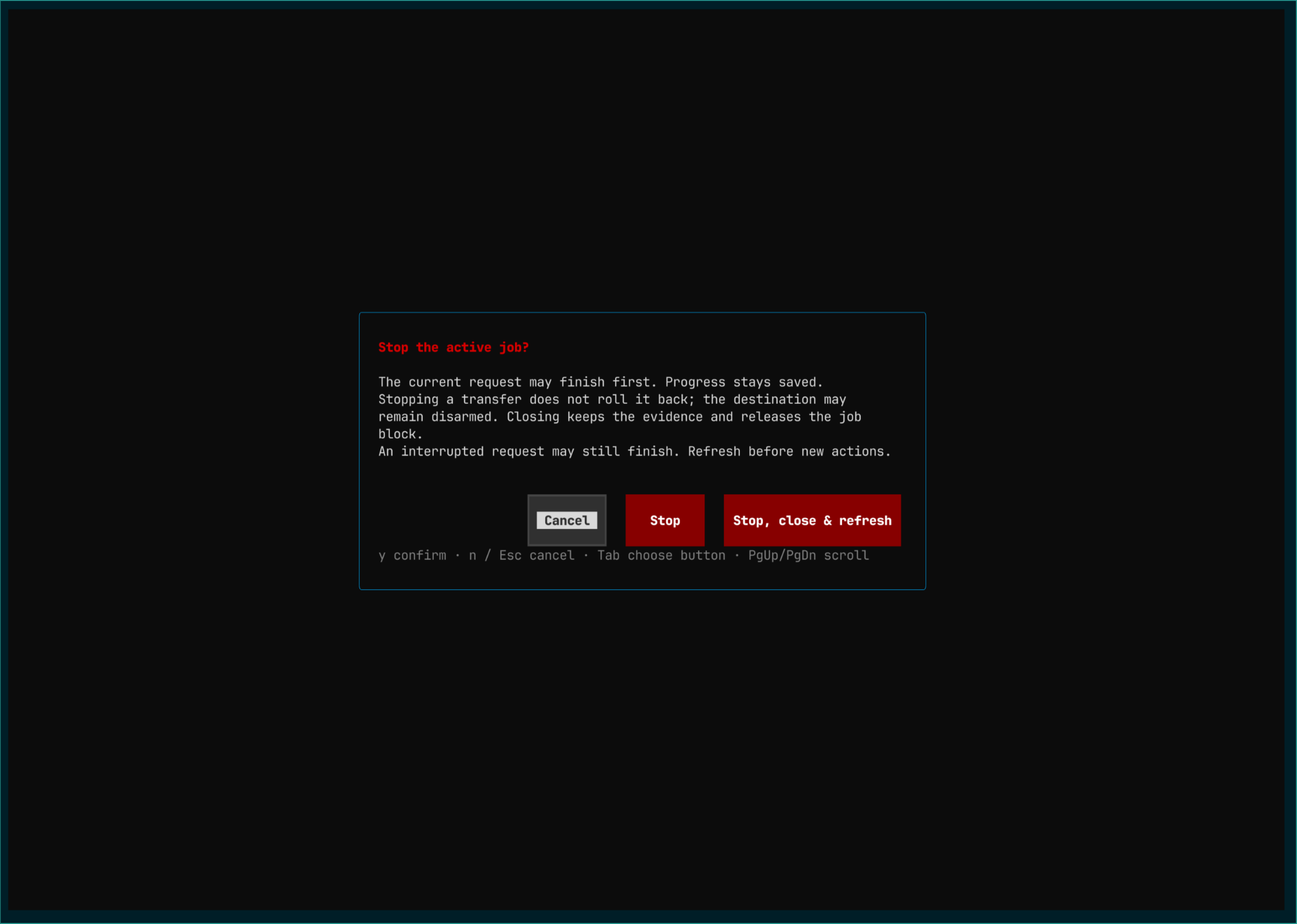
Operation screens show previews. Normal reorder shortcuts save automatically; these views use the shared planner. The stop dialog had no running job.
Explore the interface.
Select an image to enlarge it, or open its original PNG at full resolution.
35 screenshots
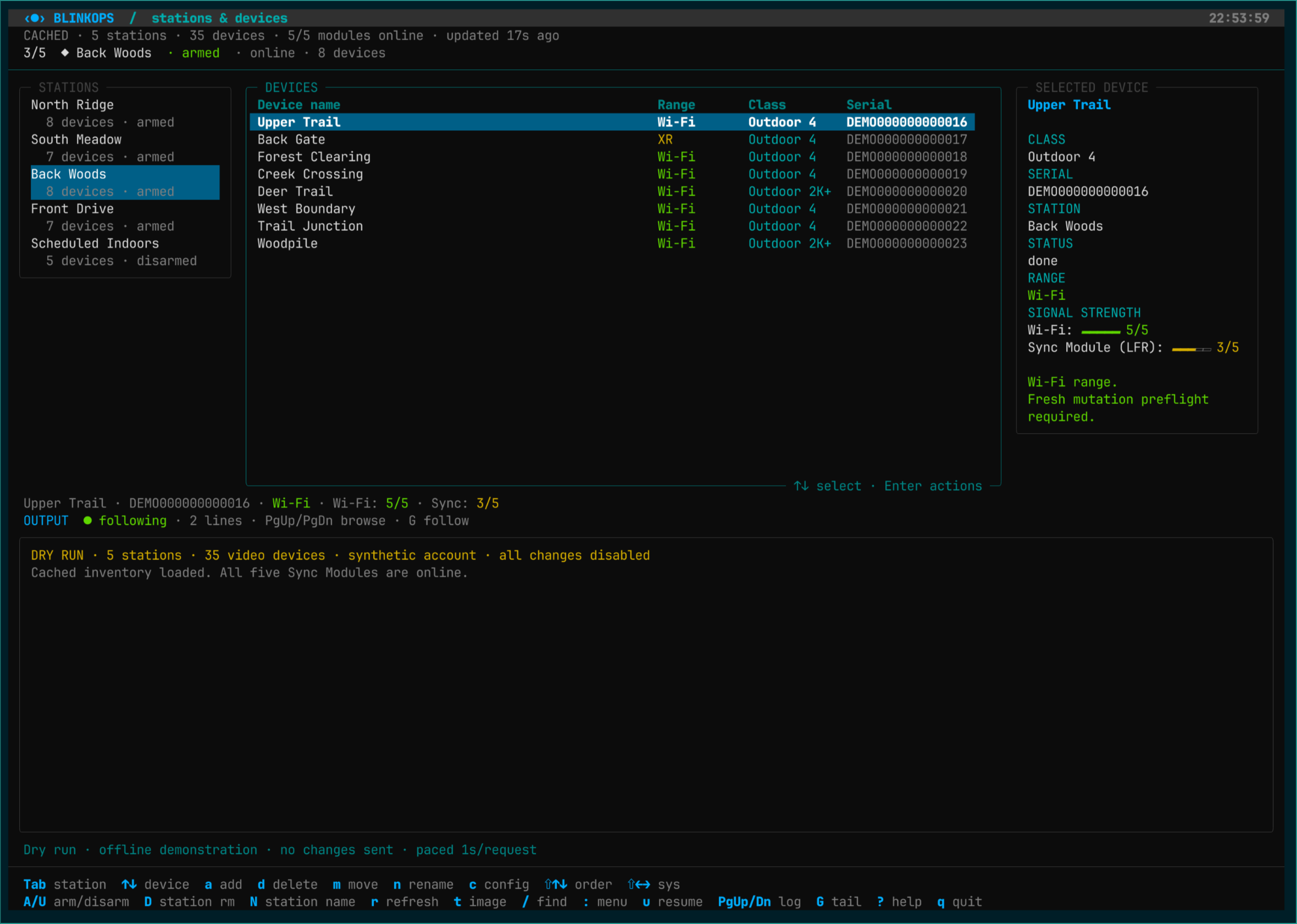
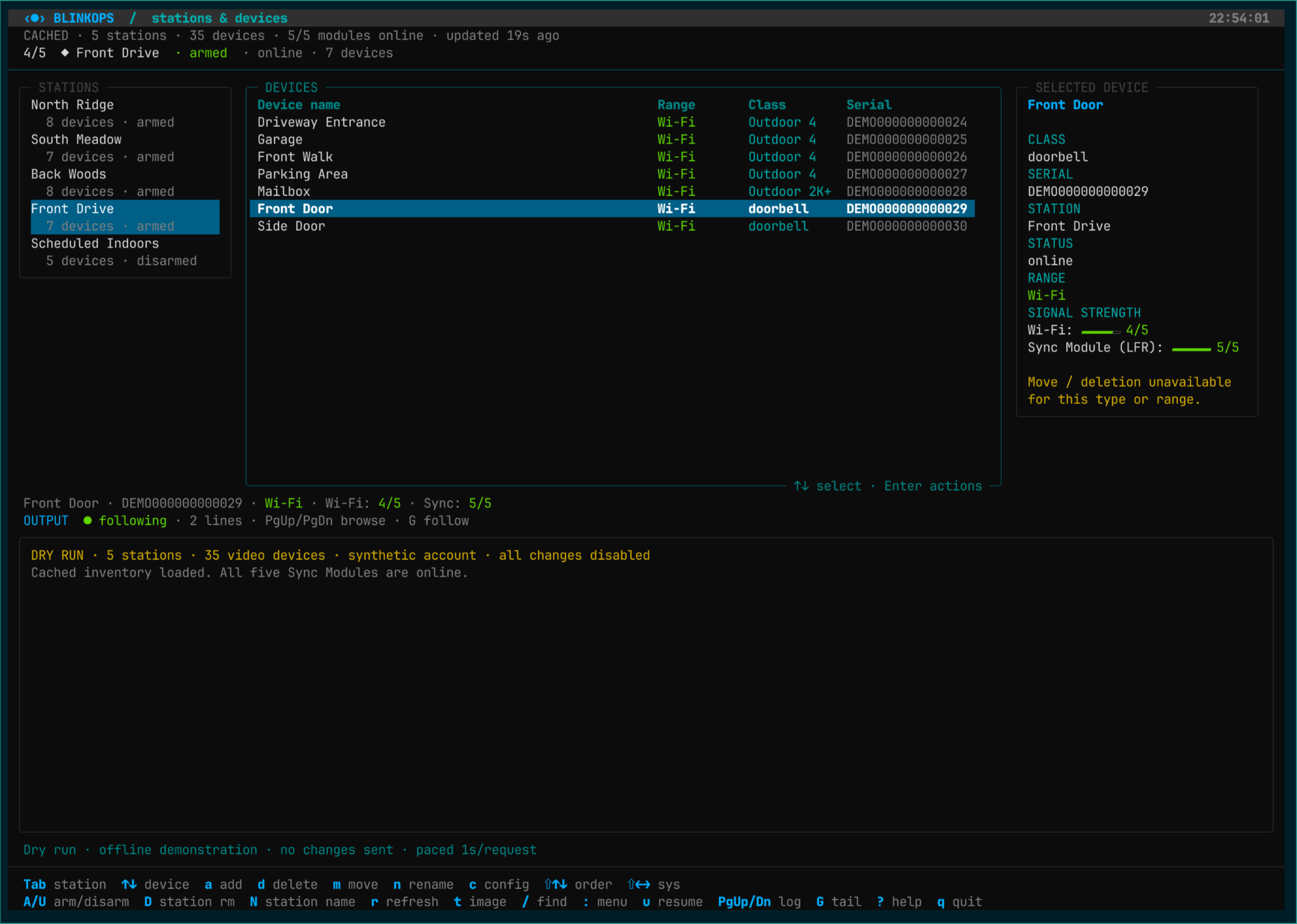
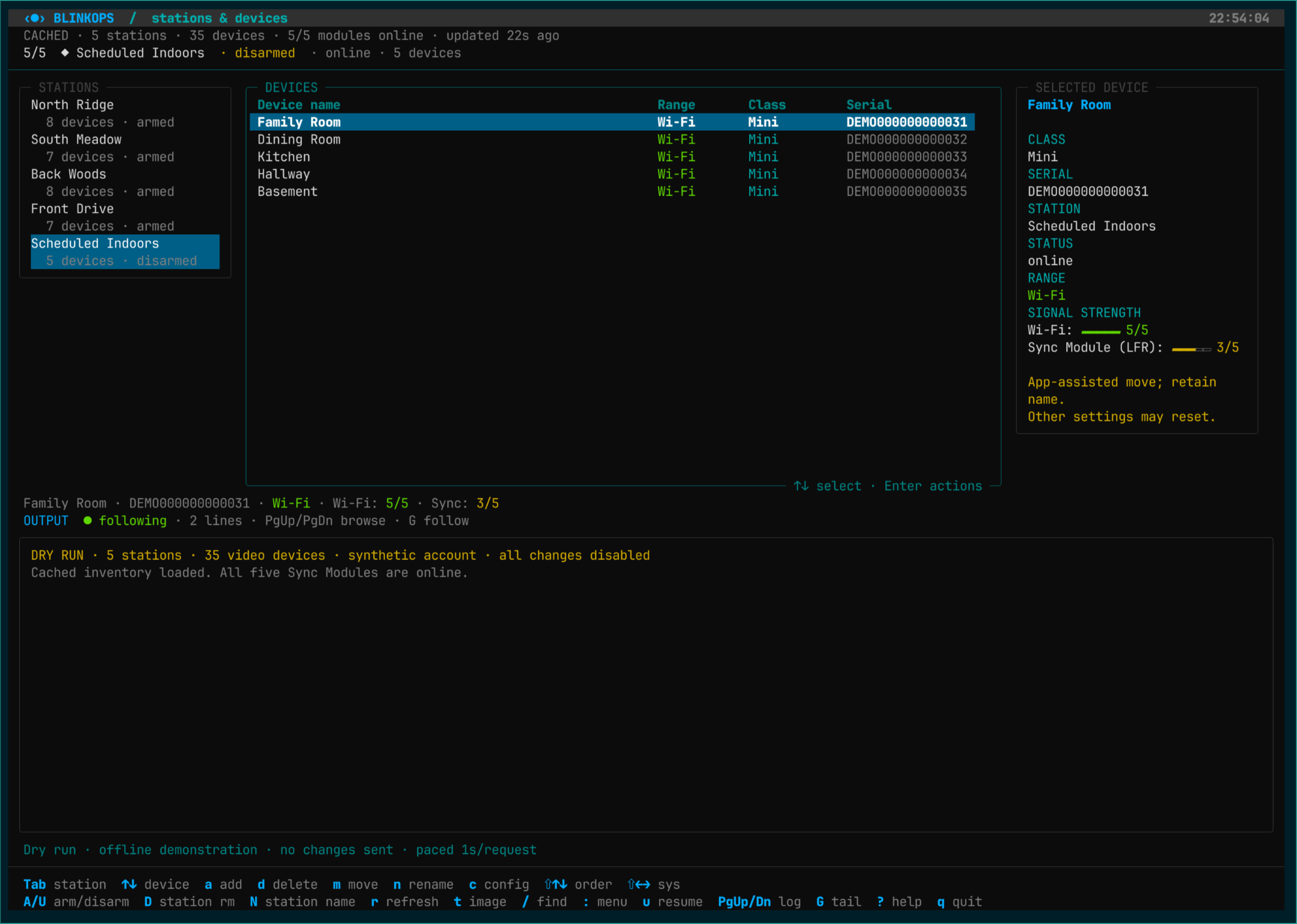
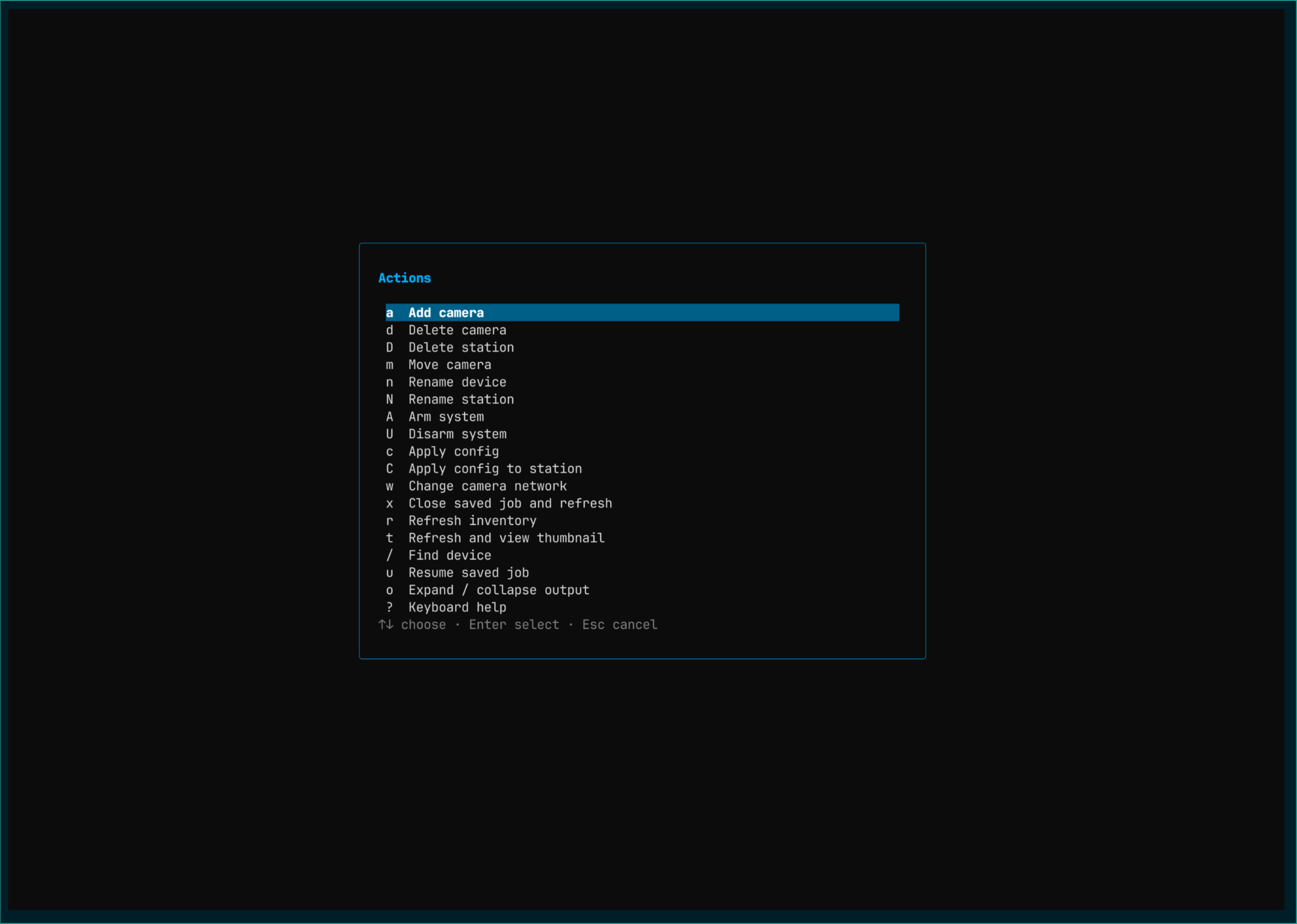
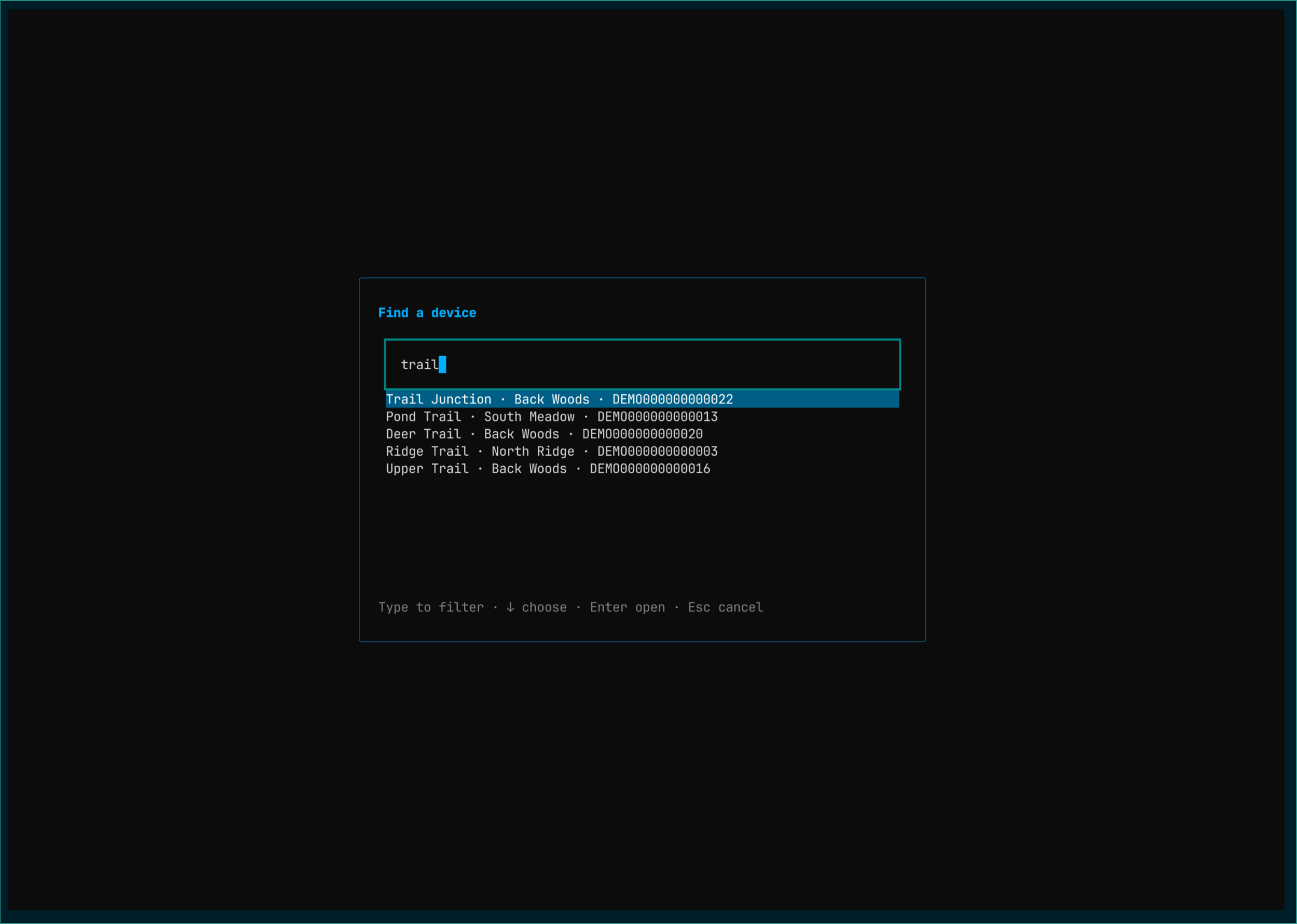
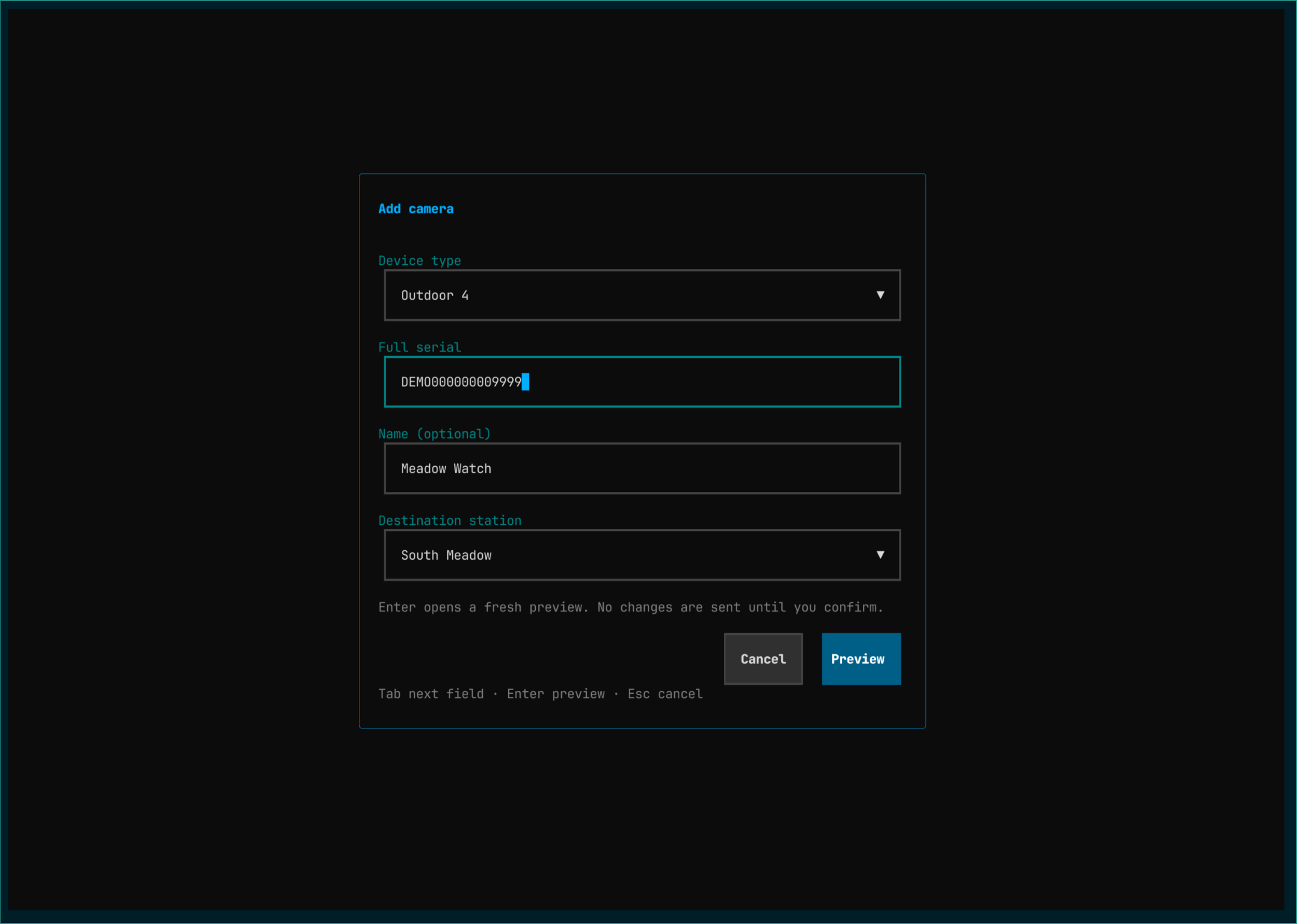
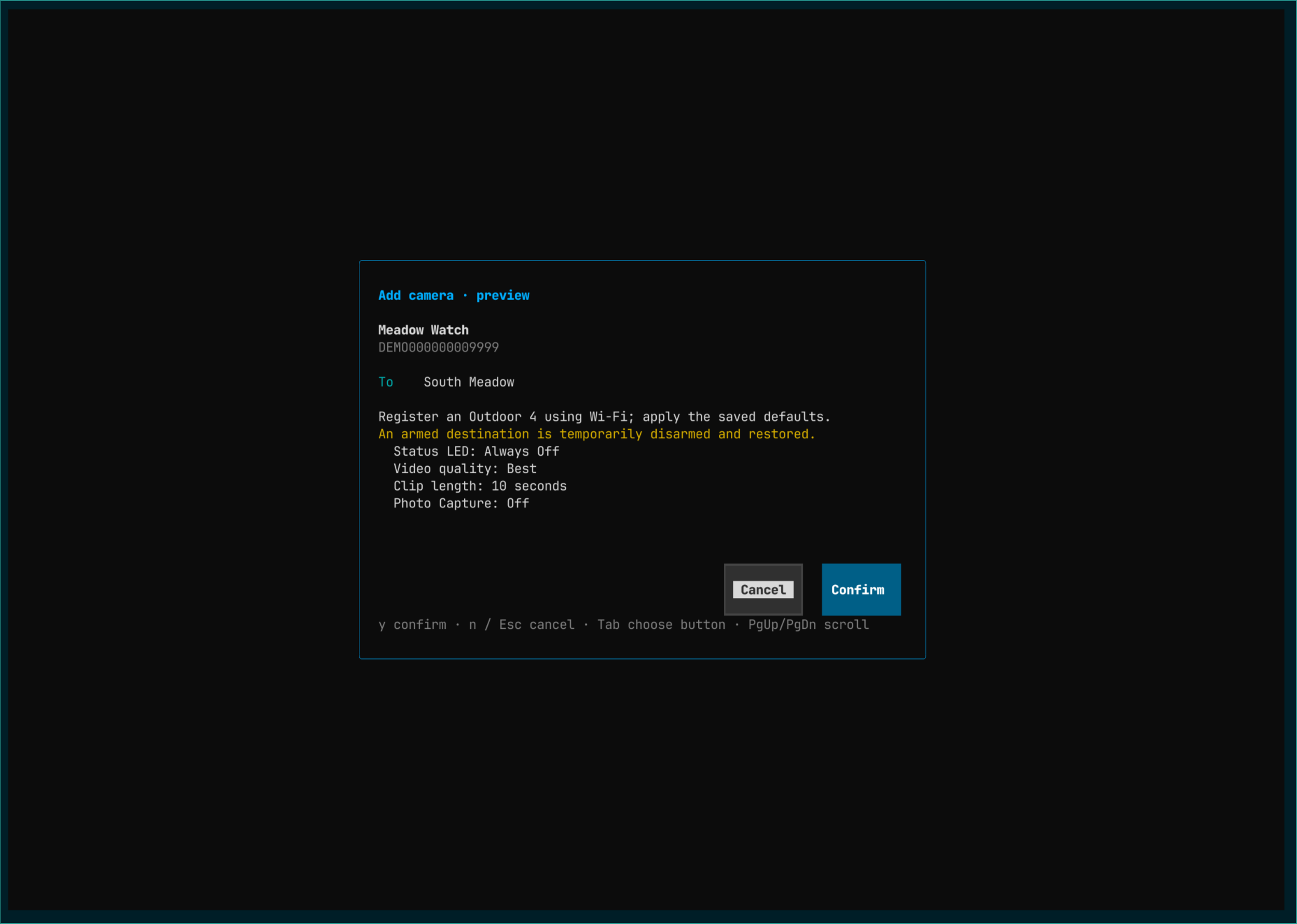
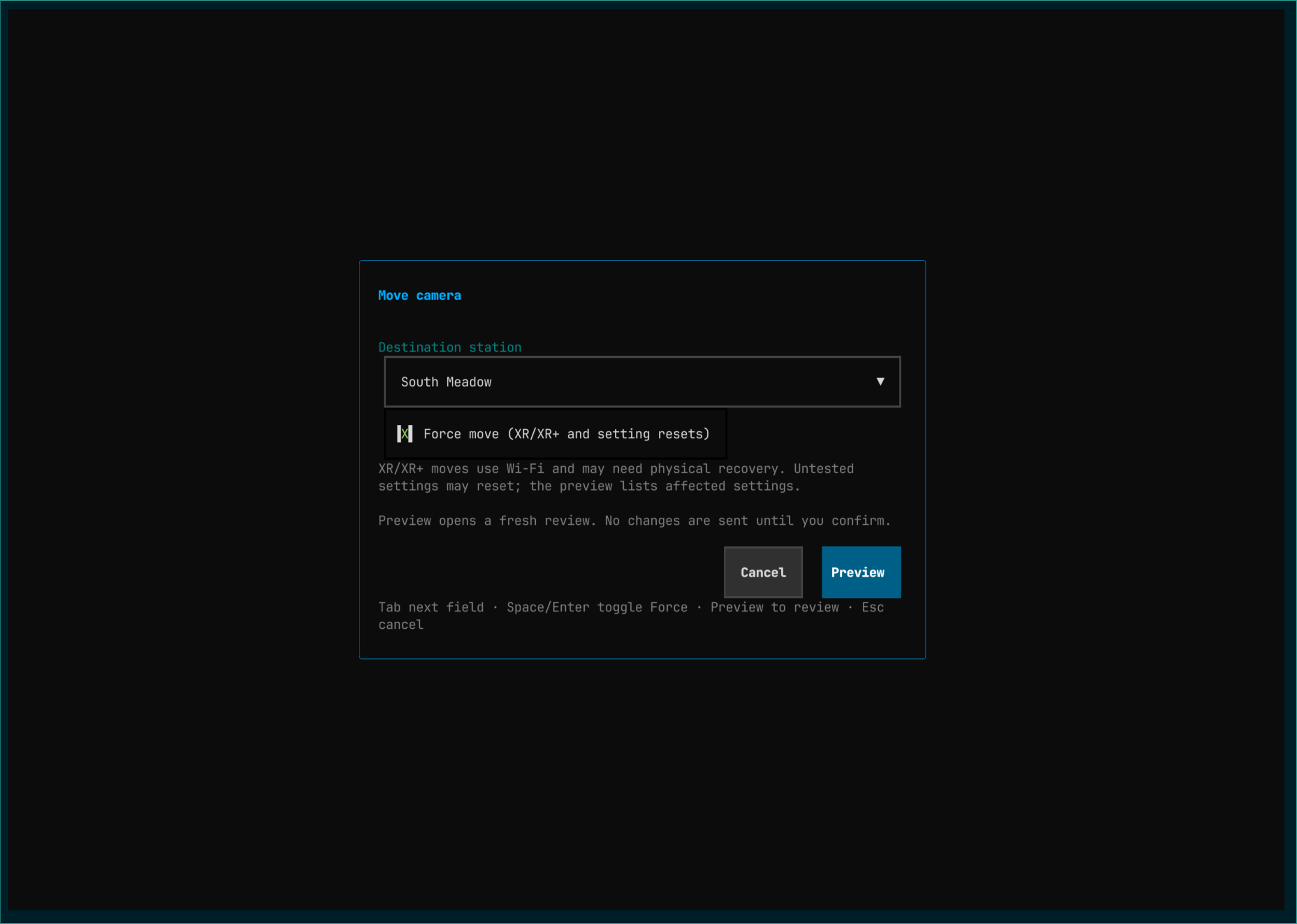
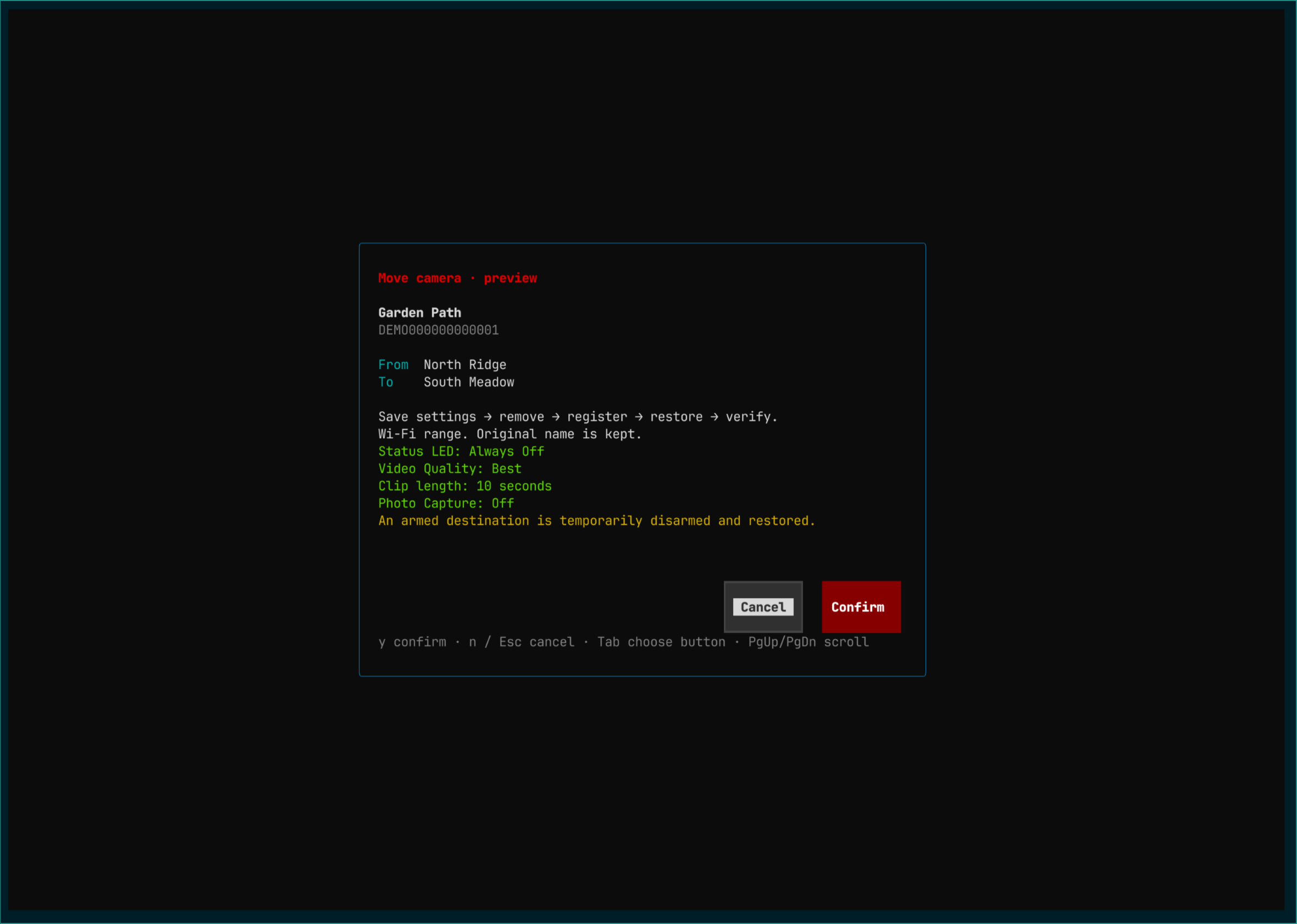
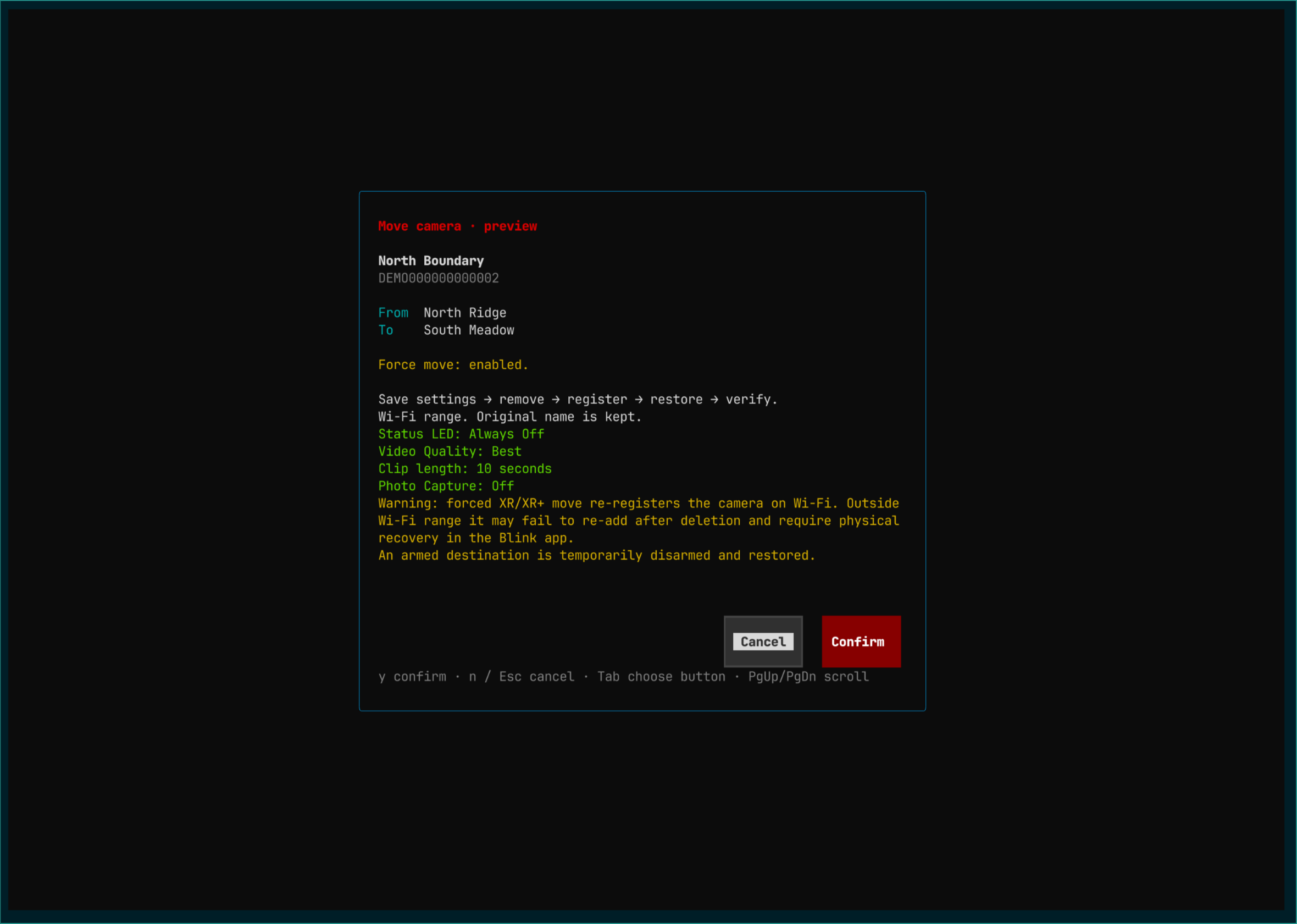
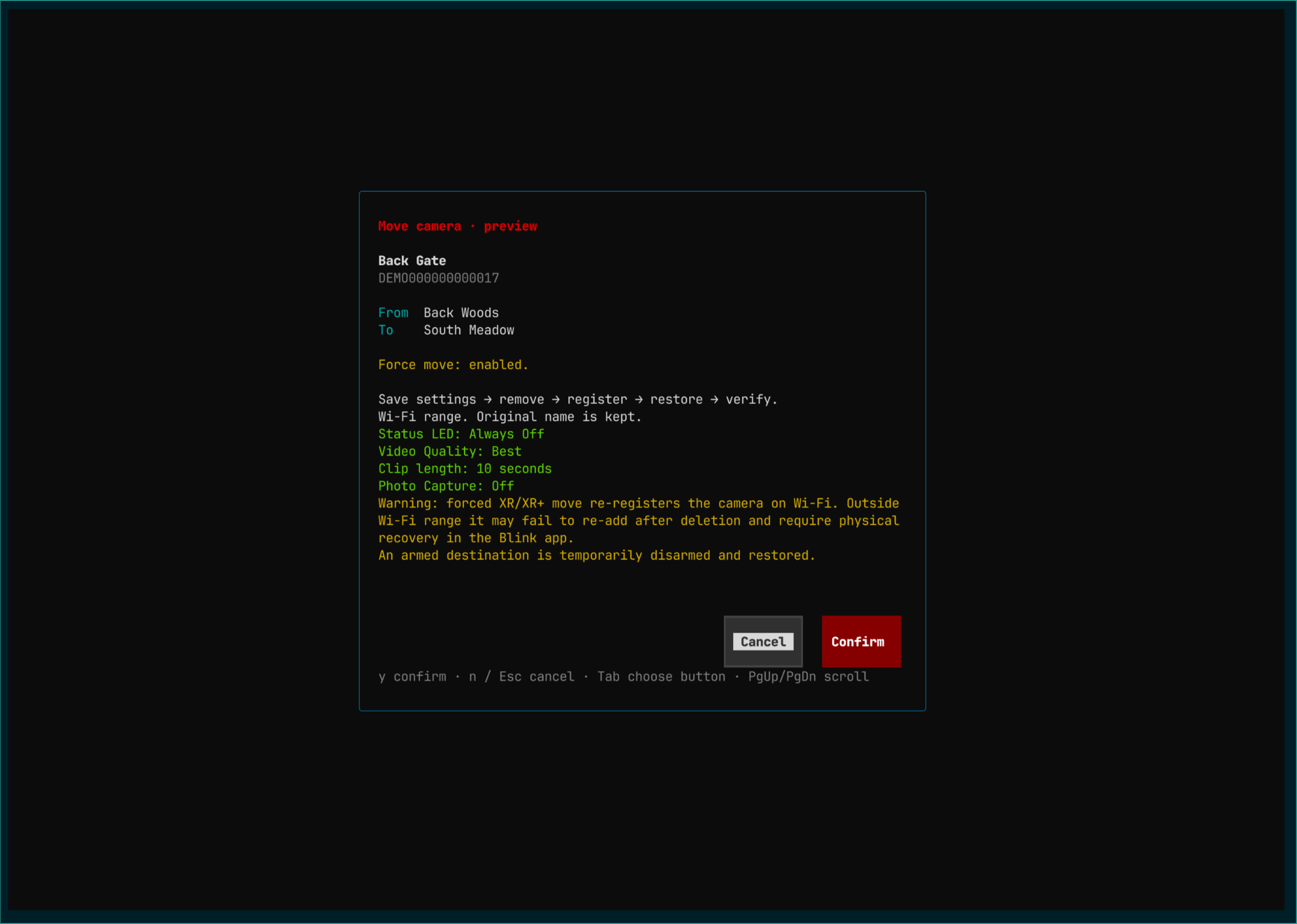
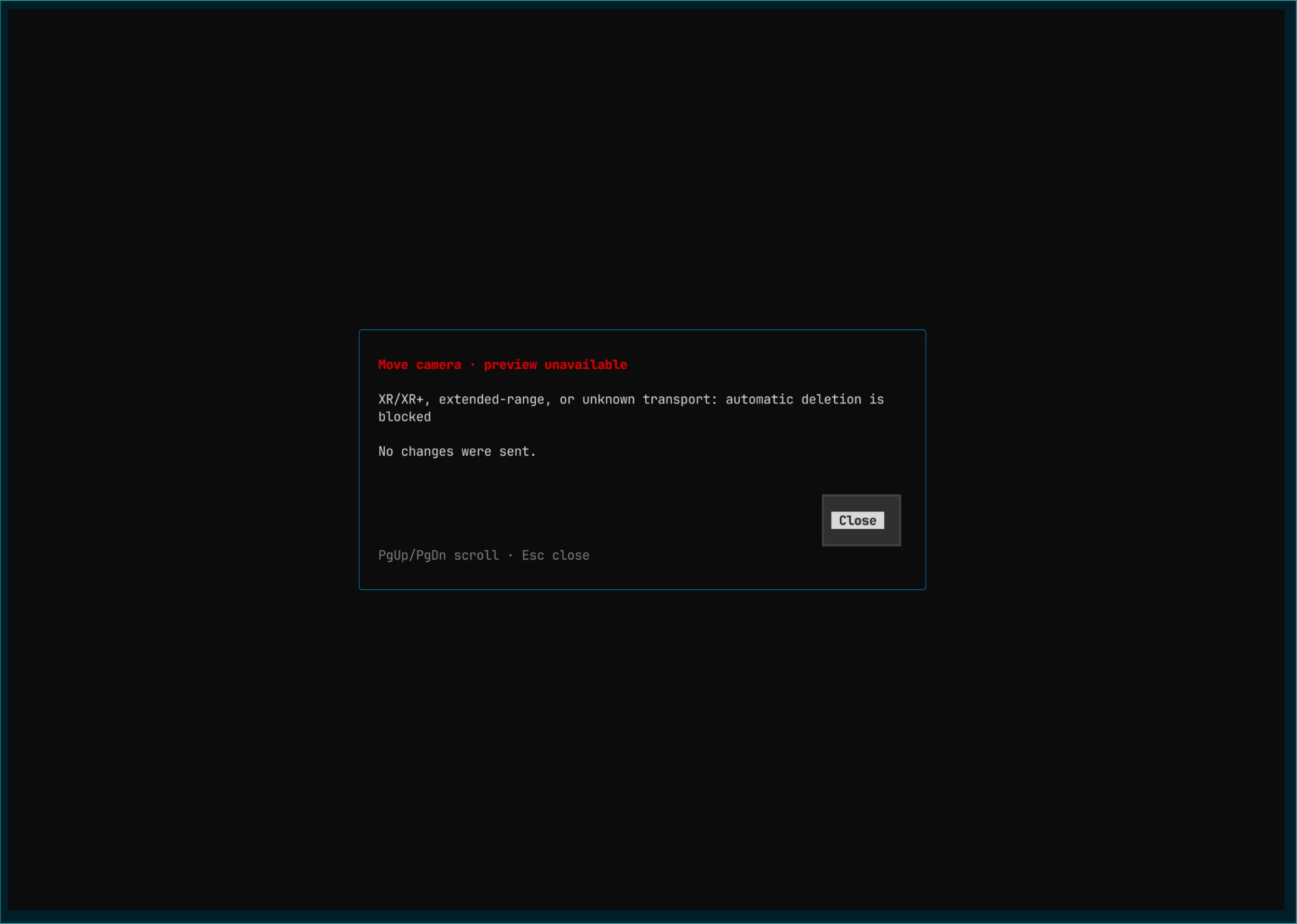
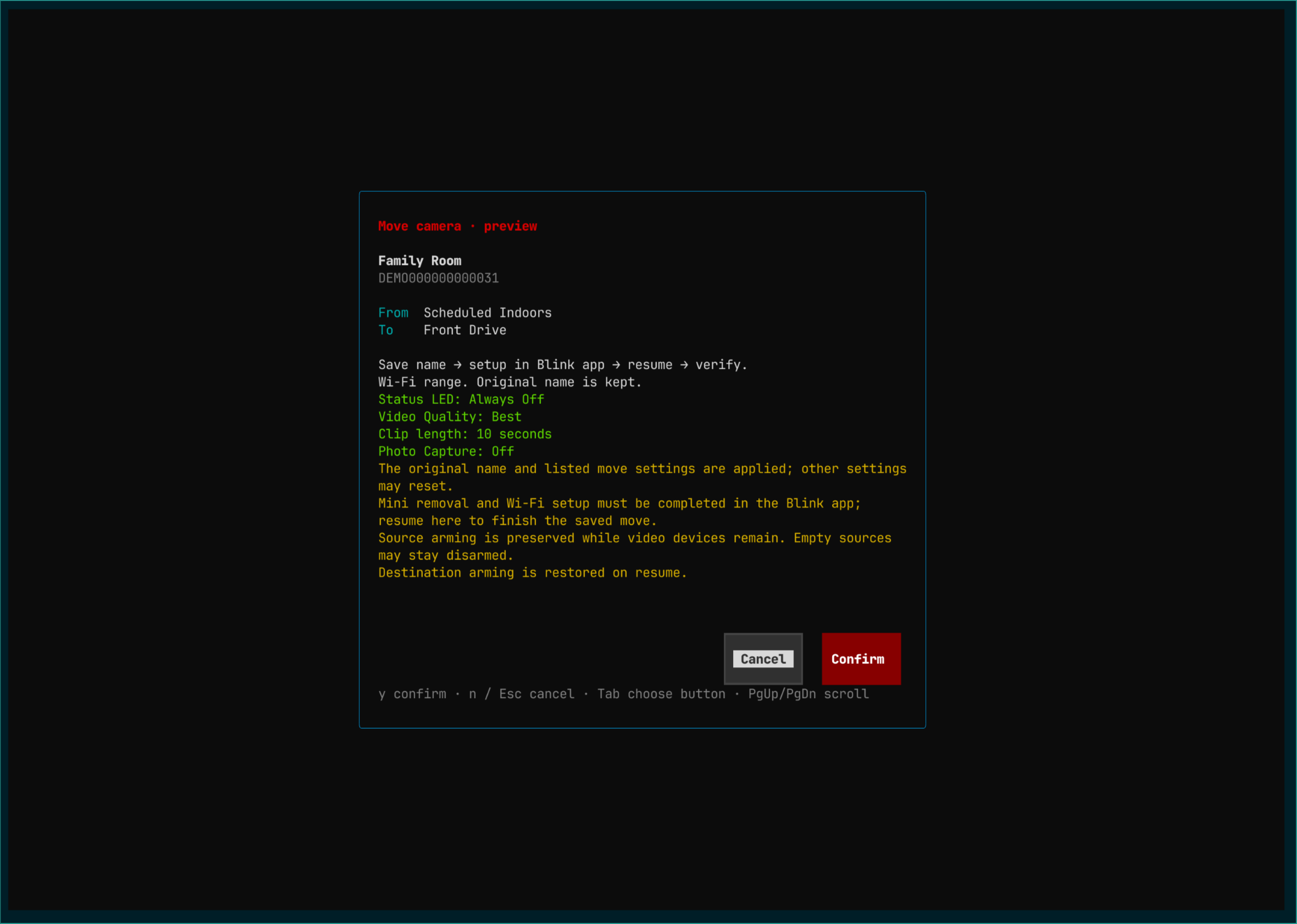
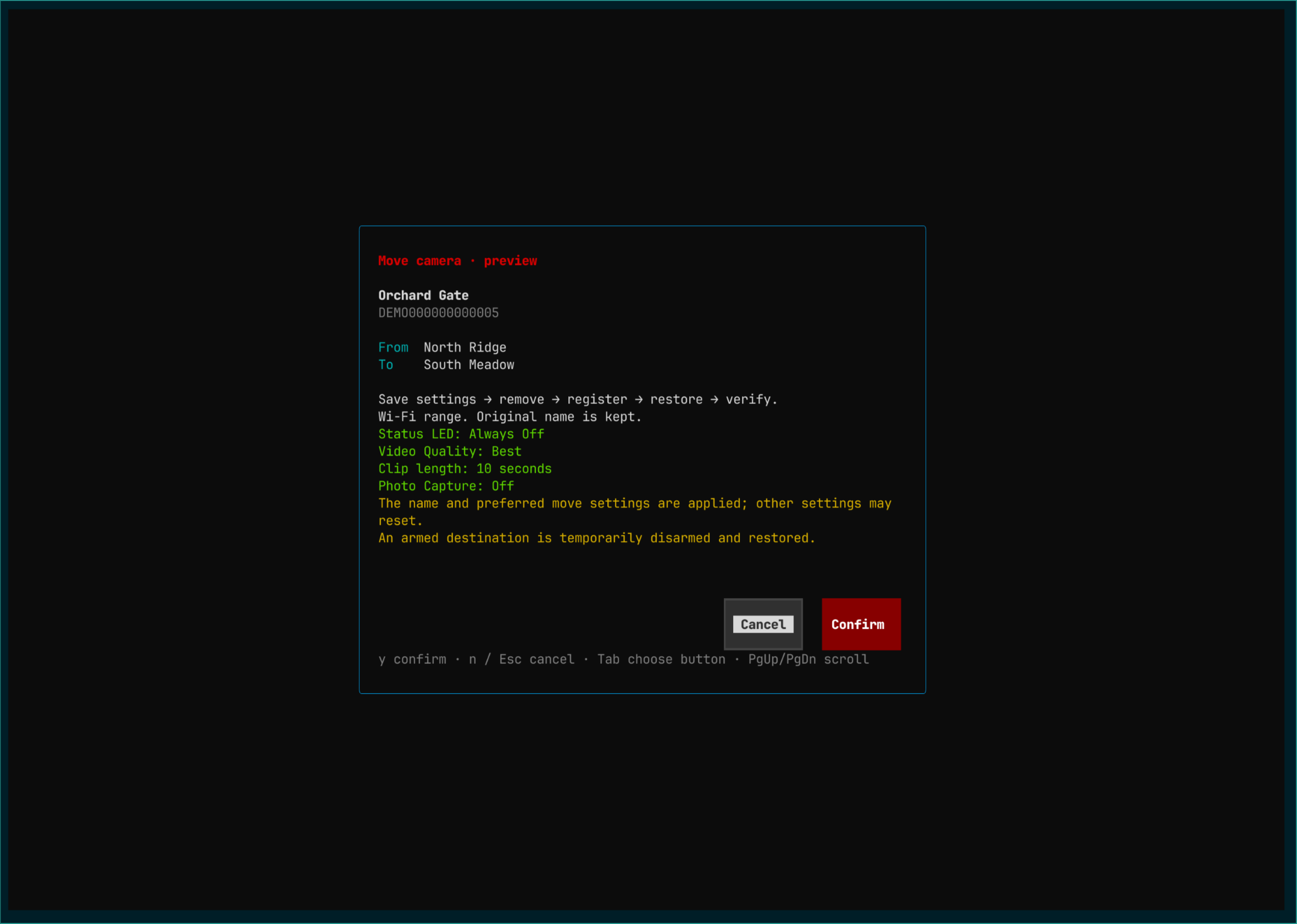
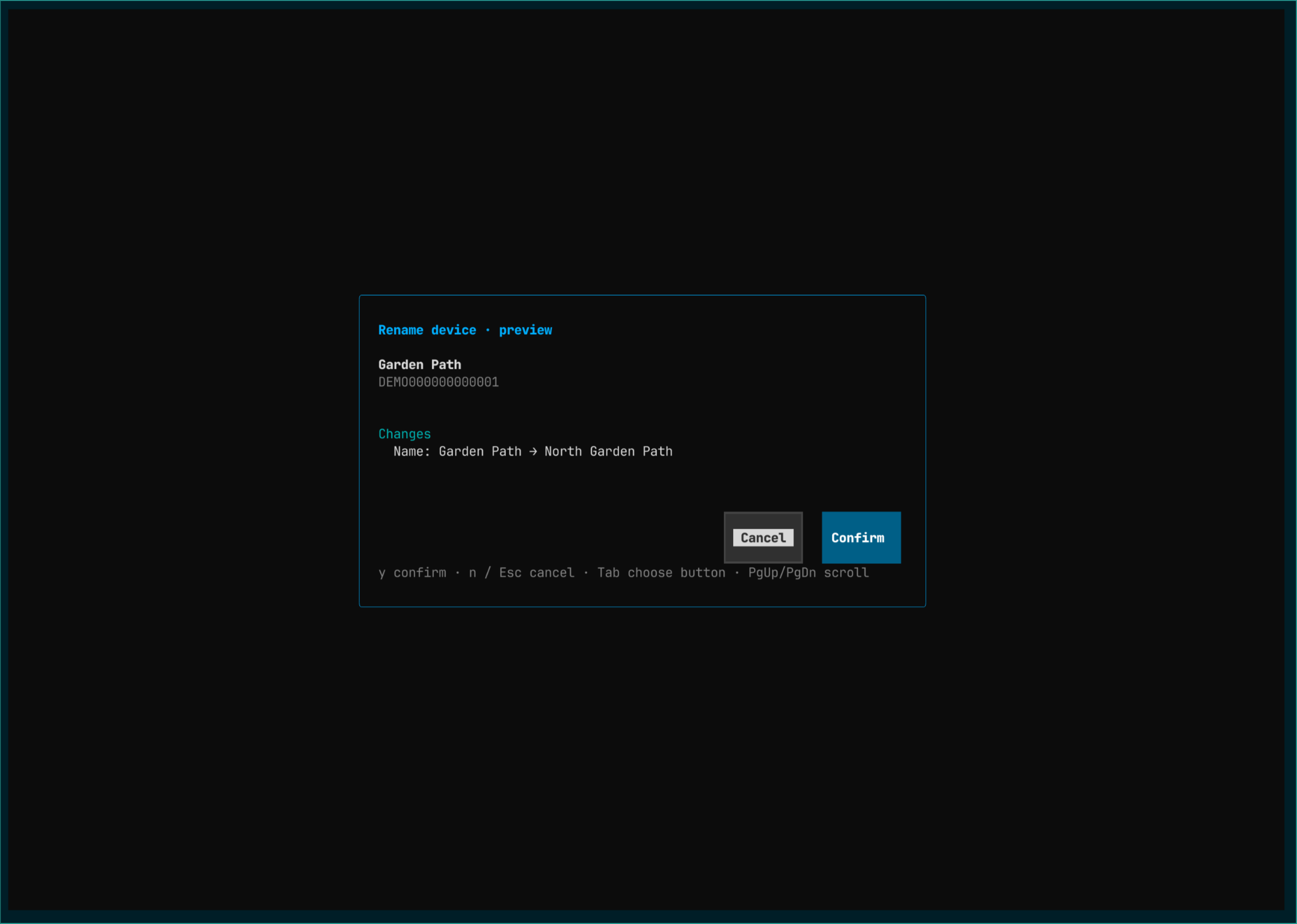
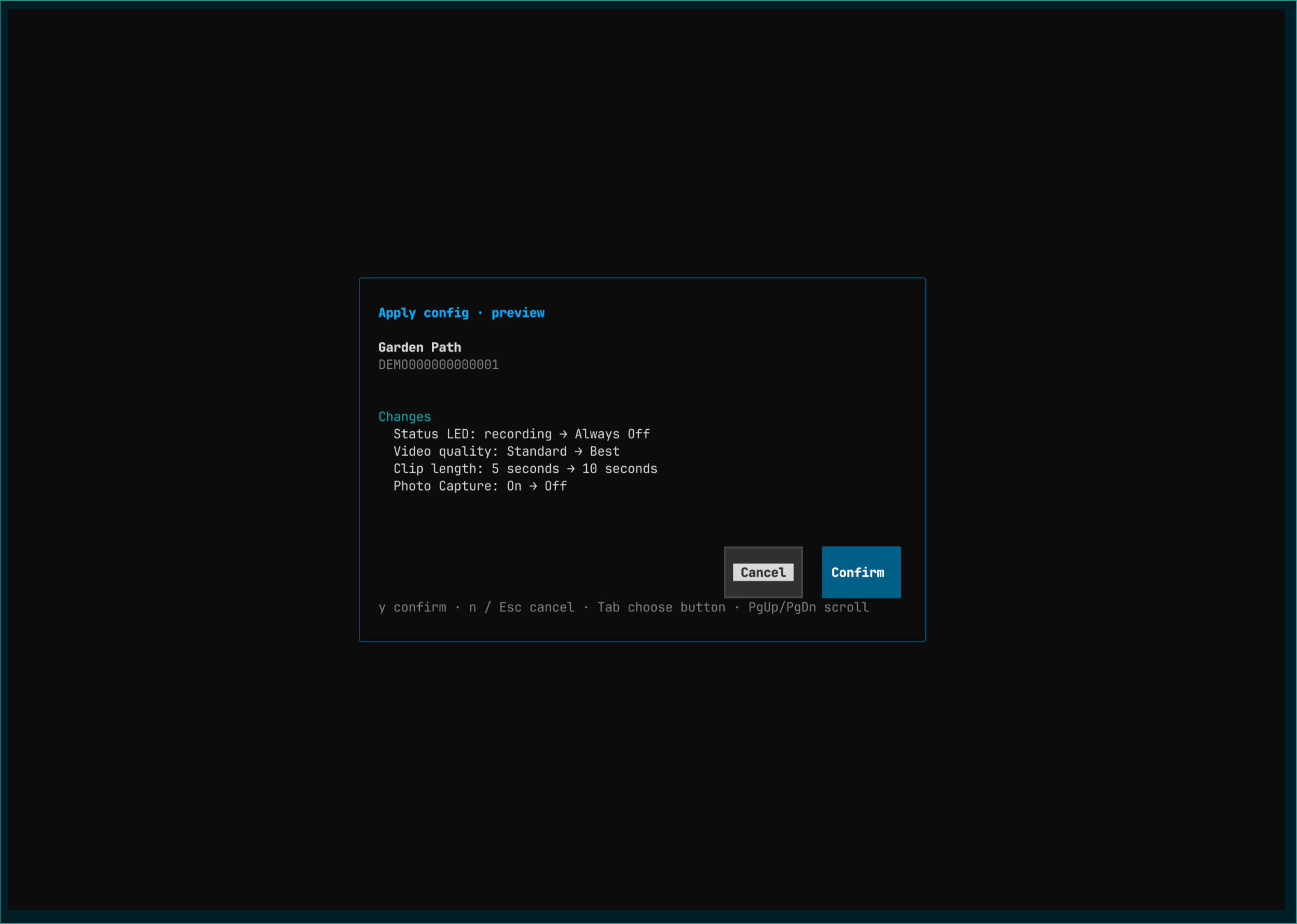
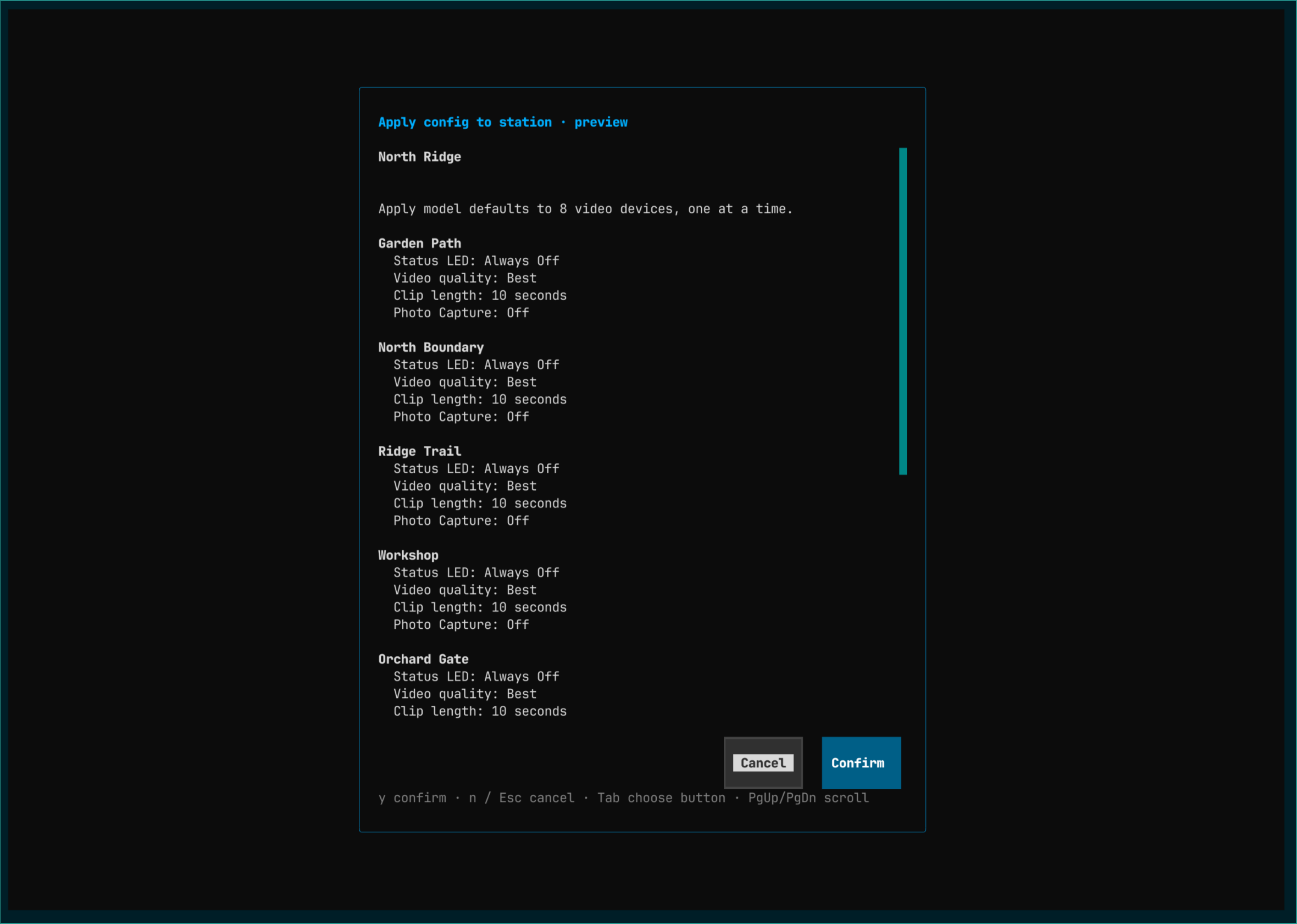
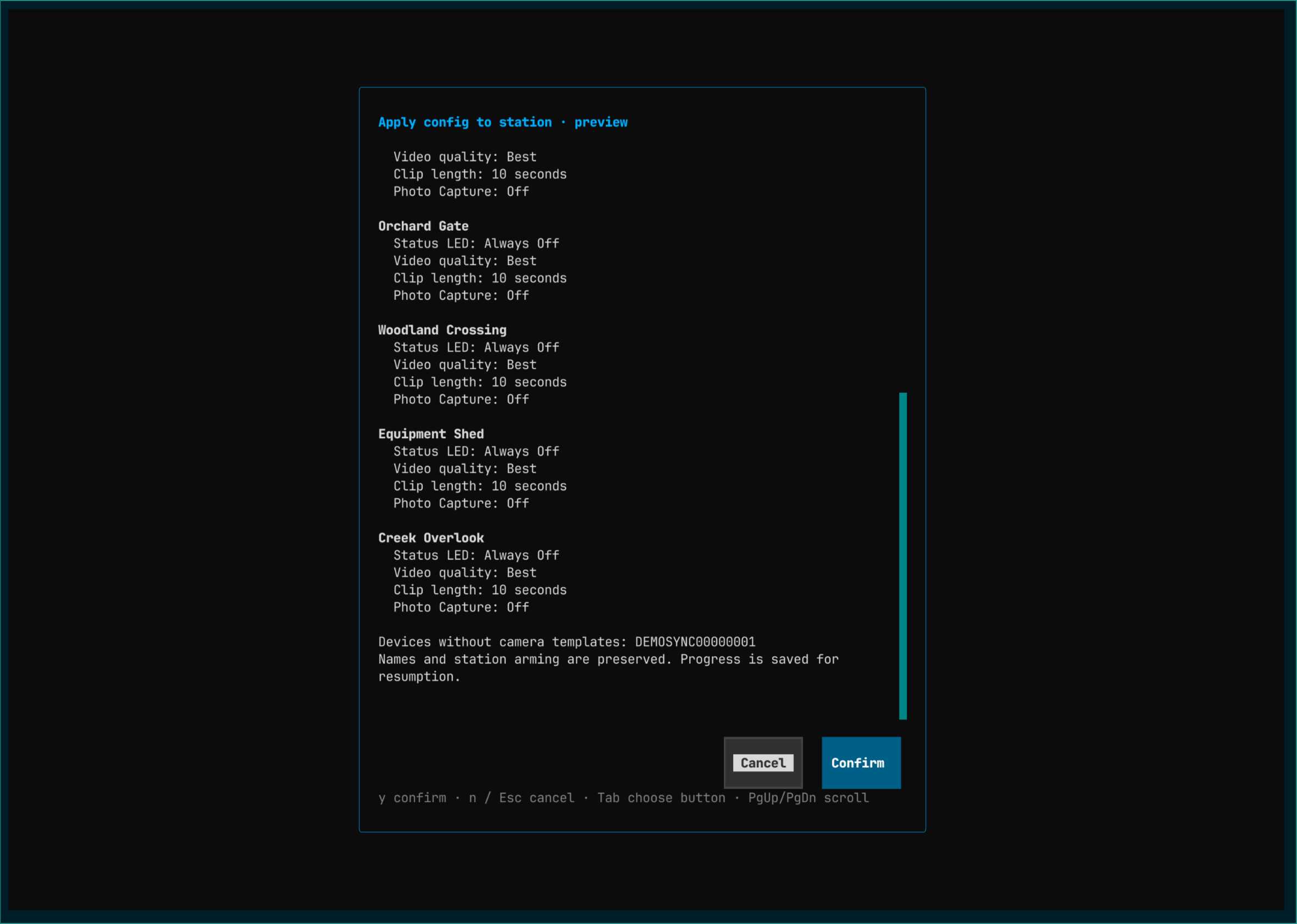
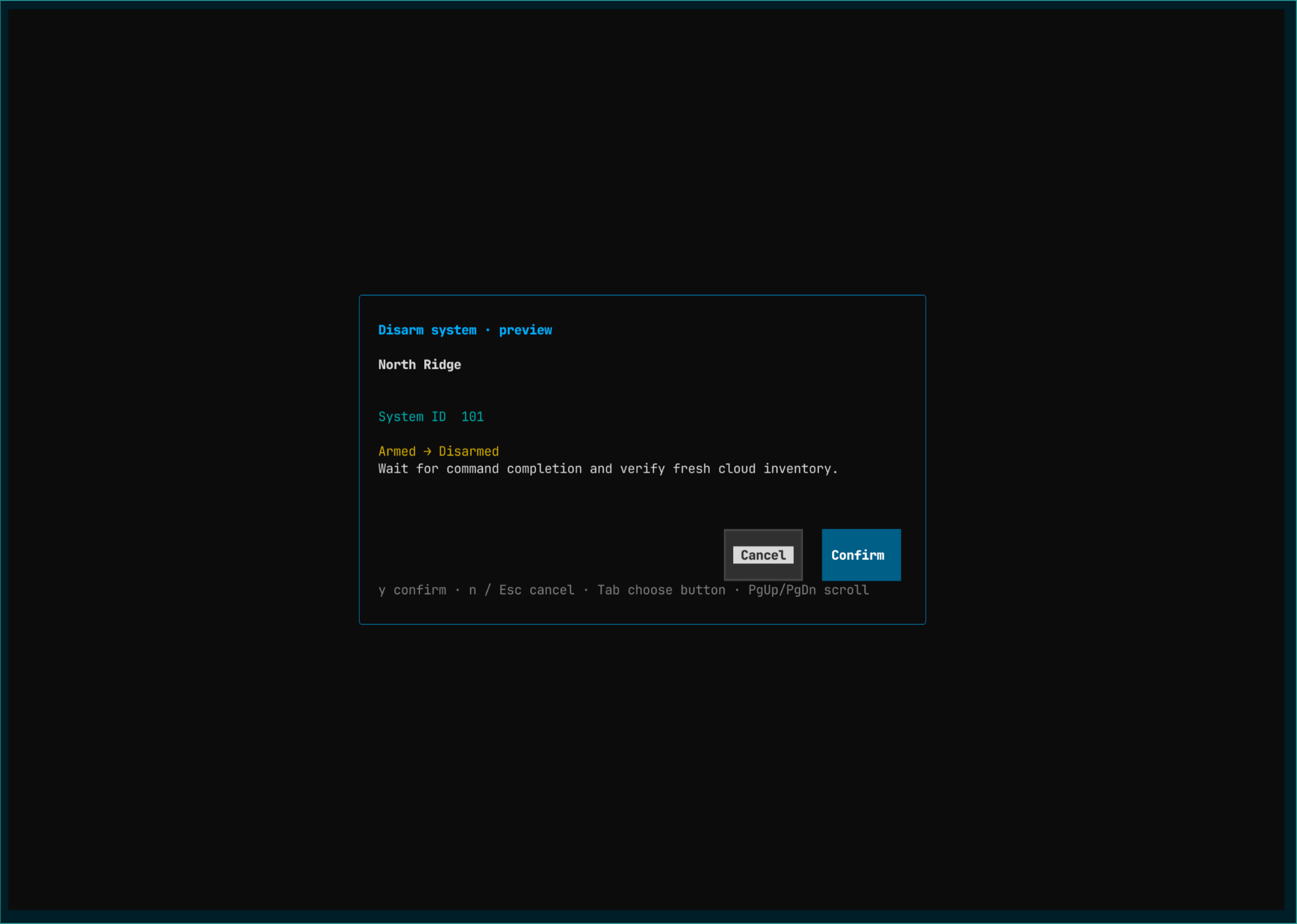
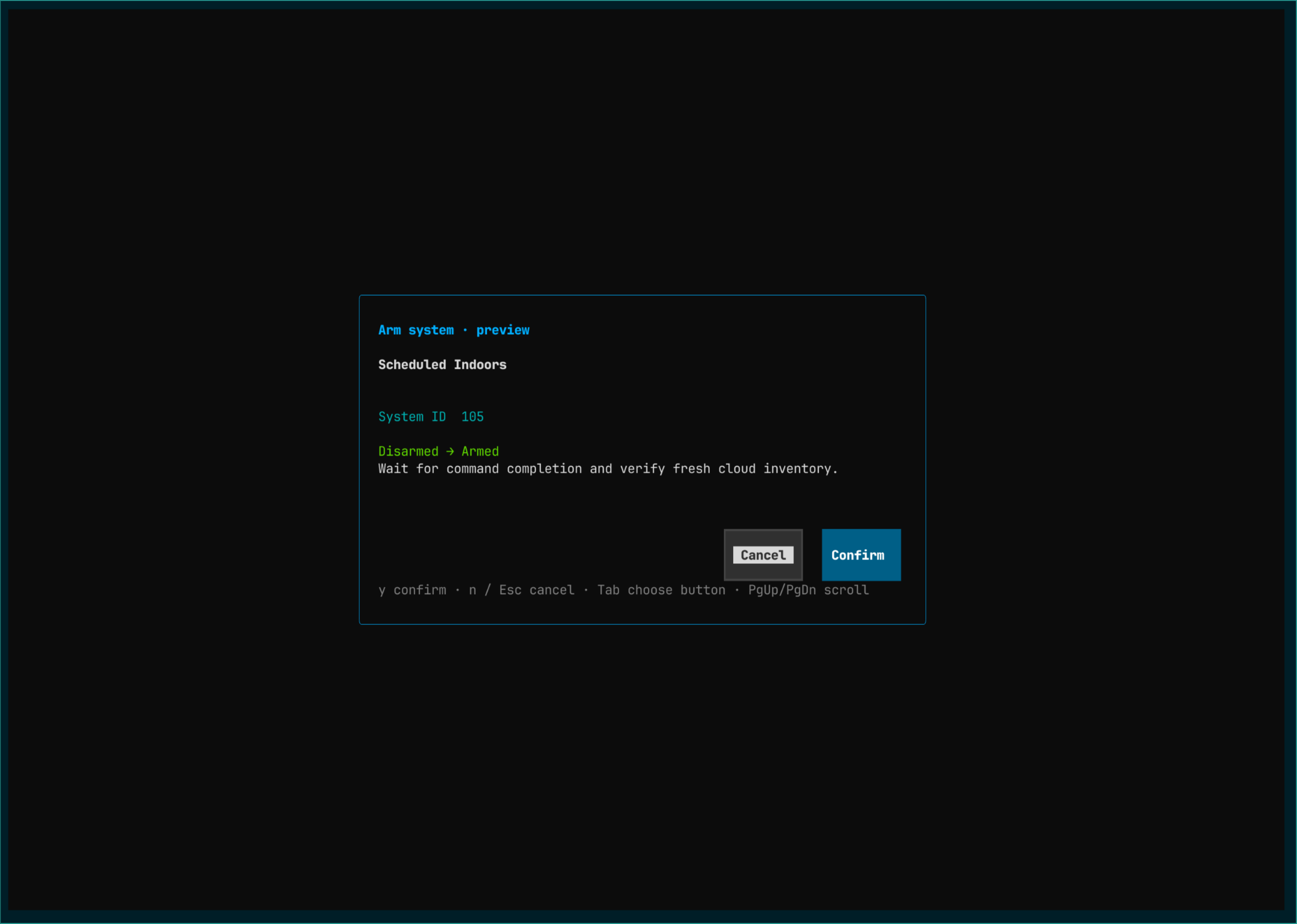
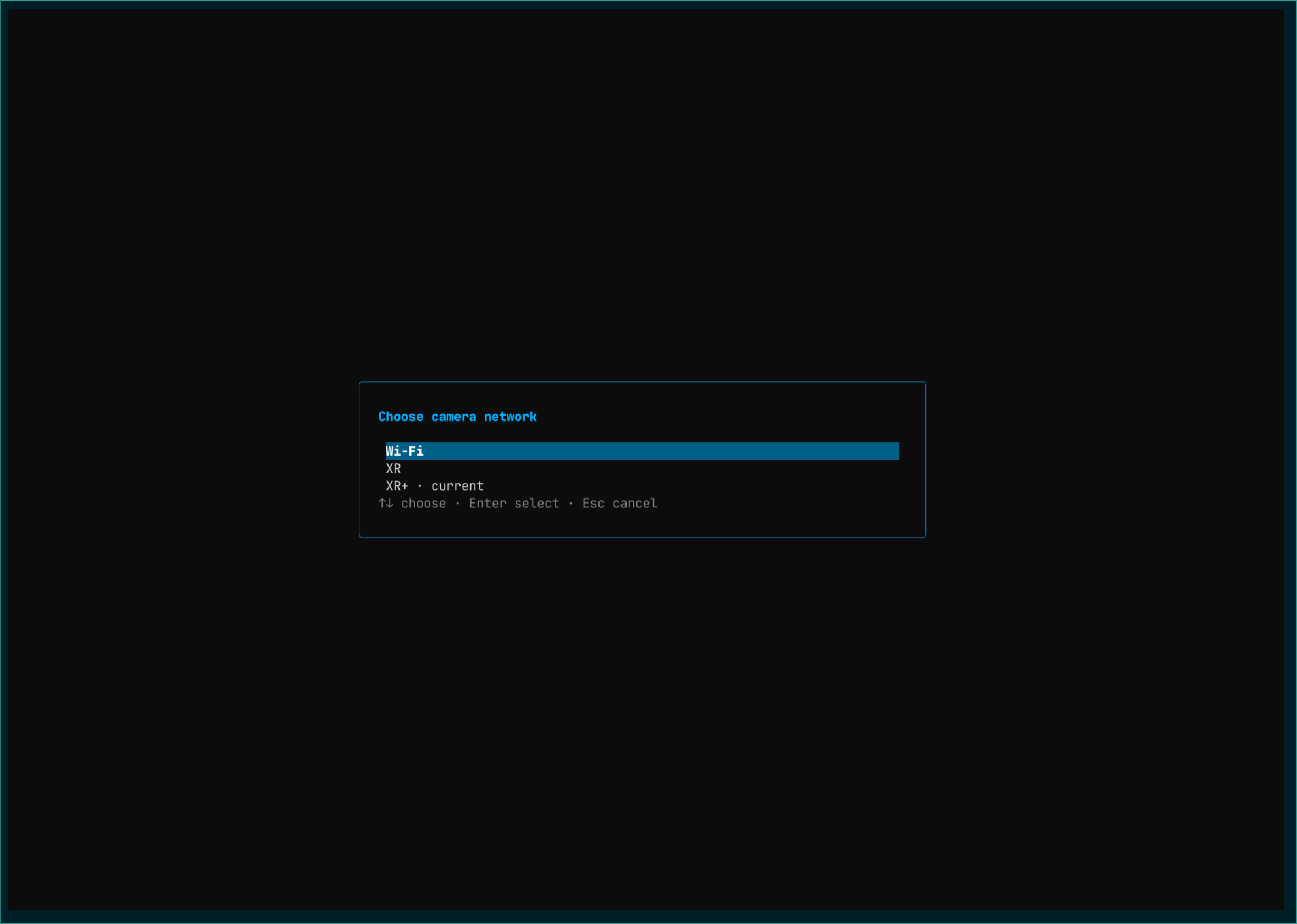
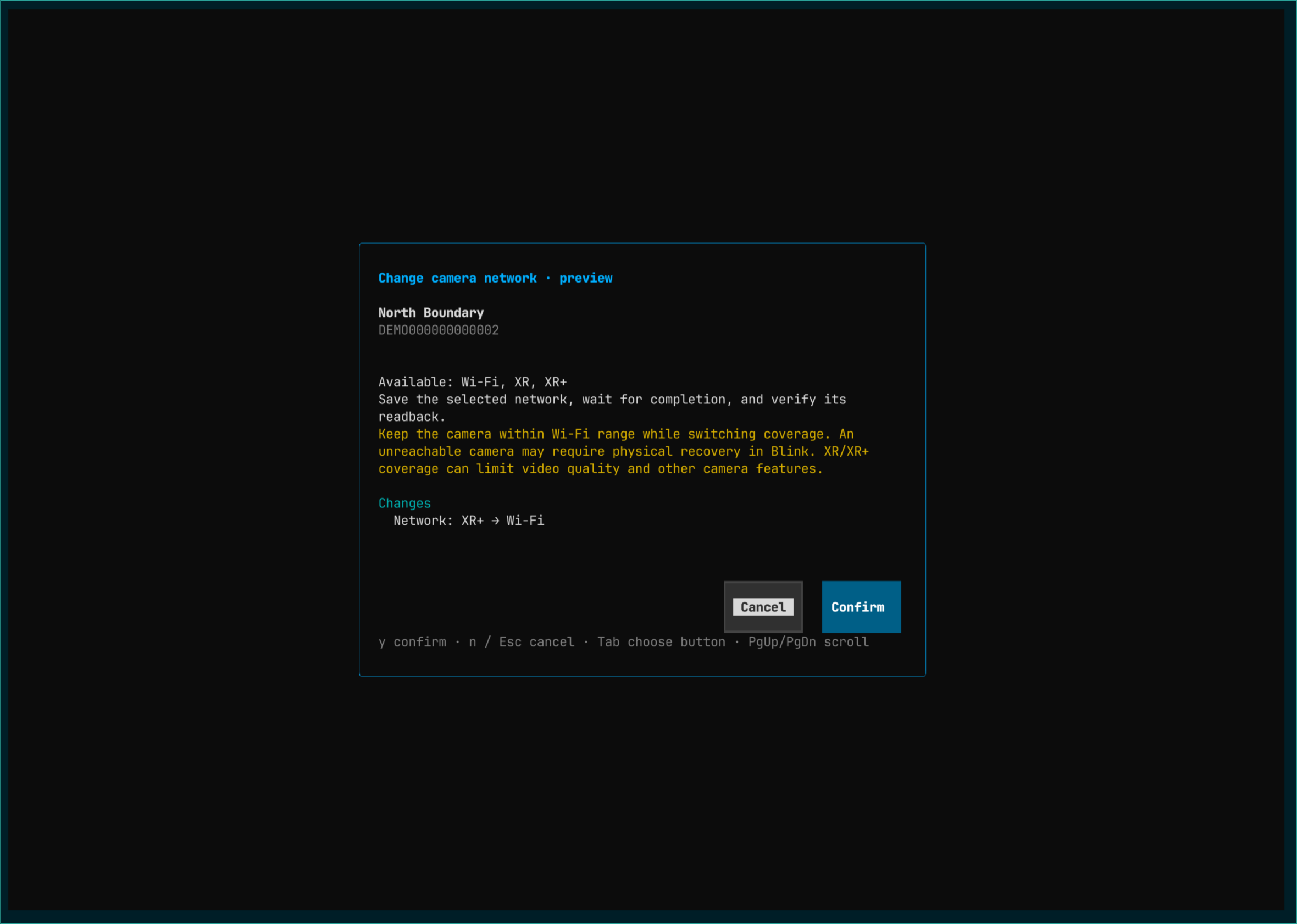
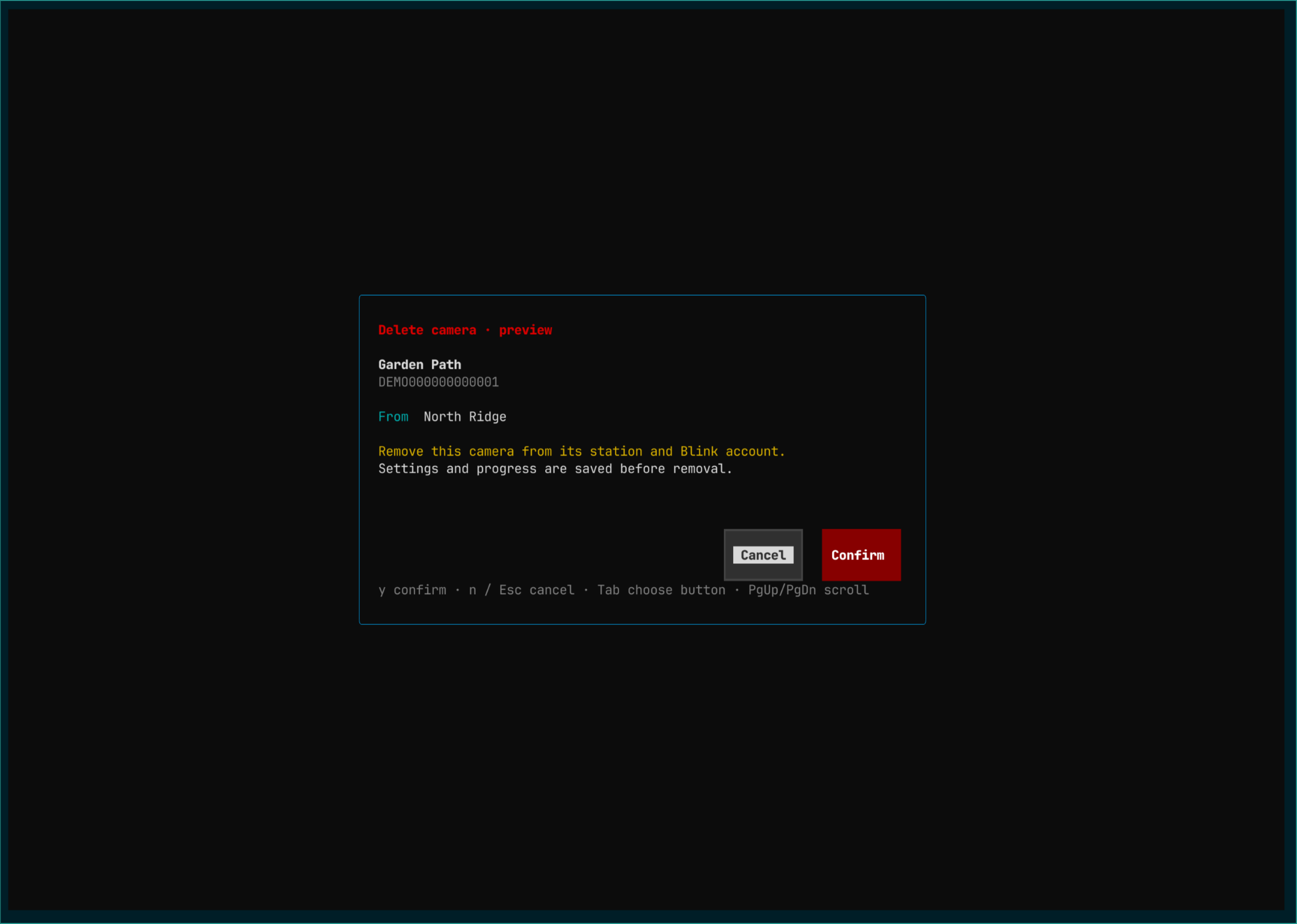
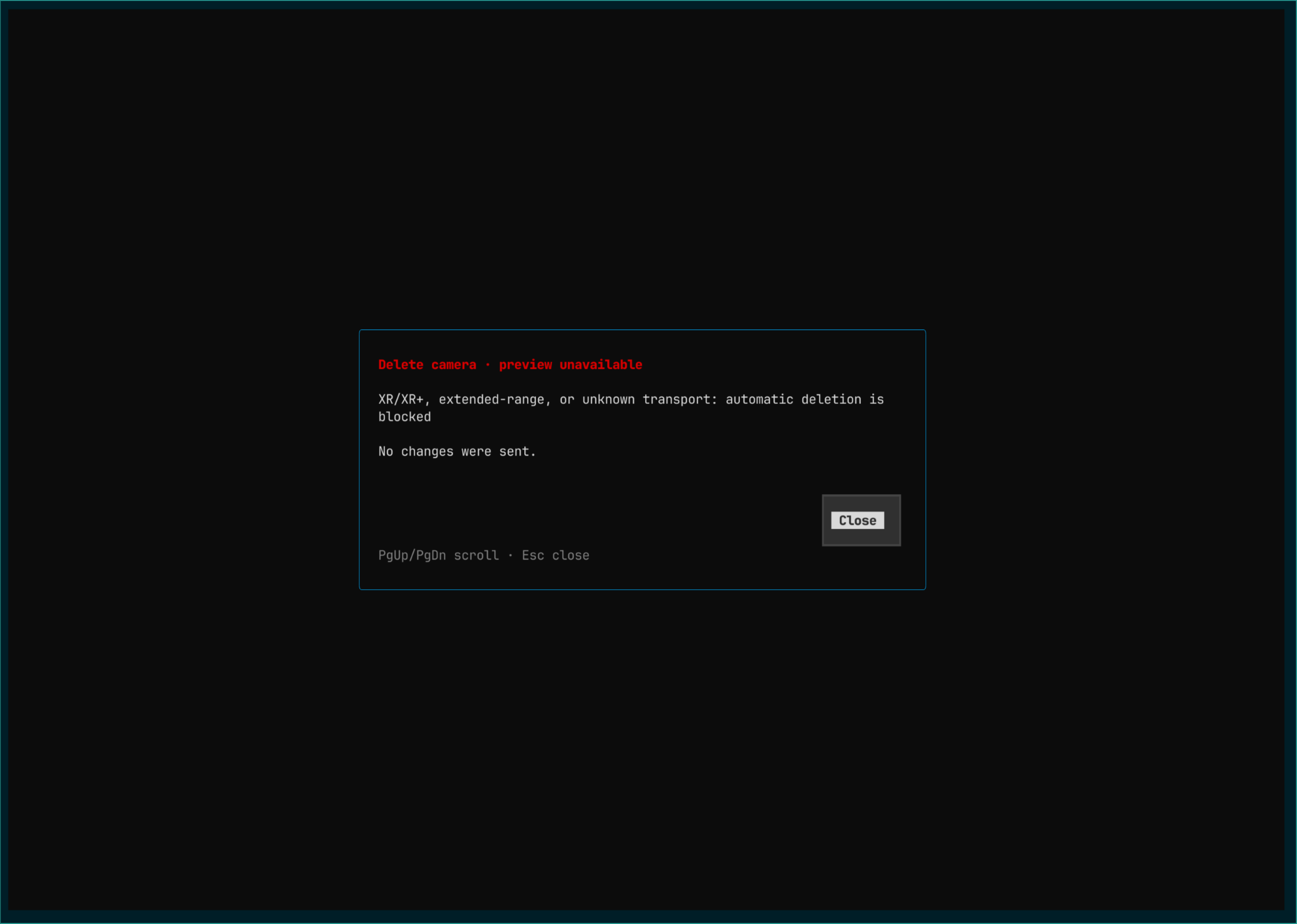
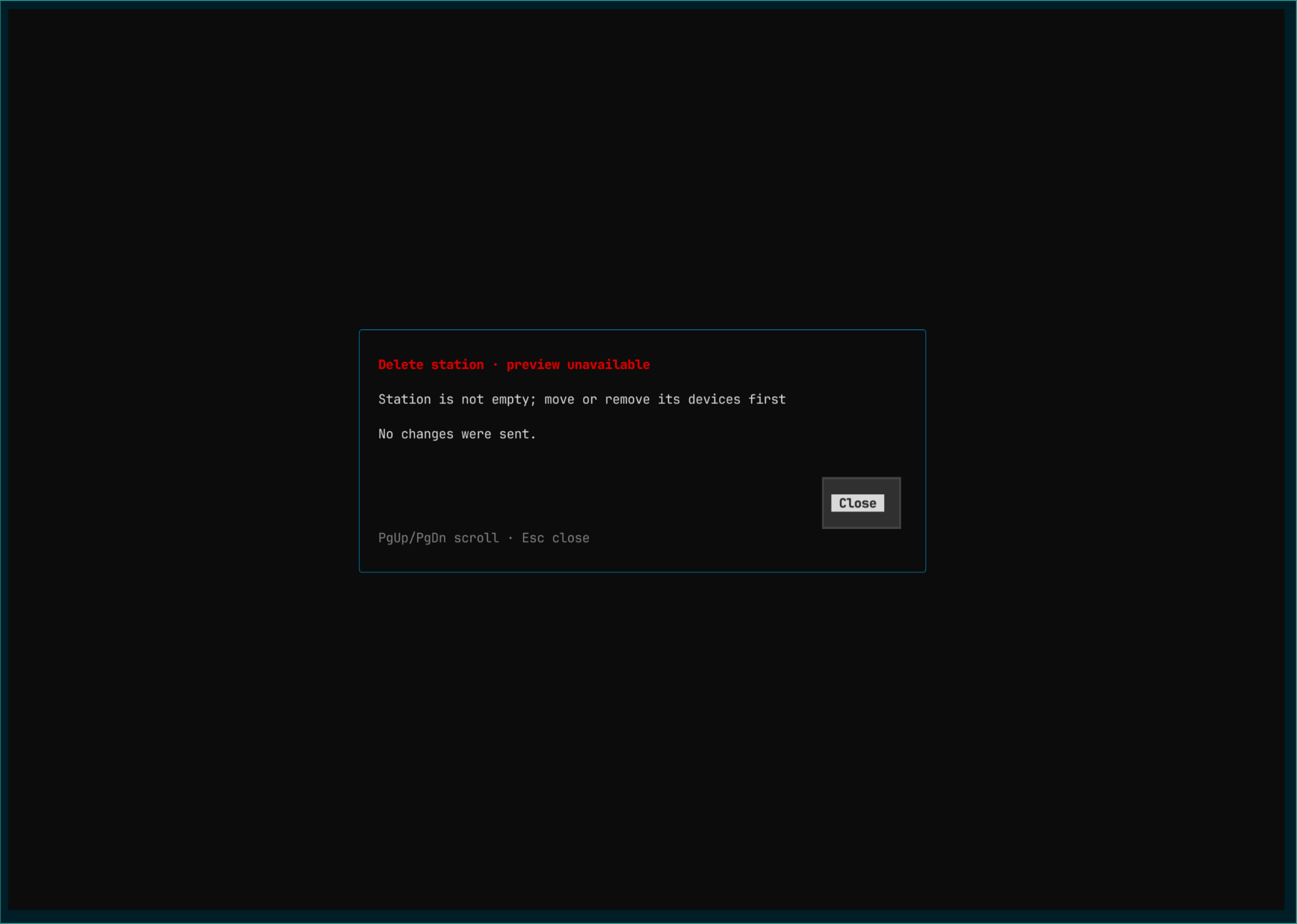
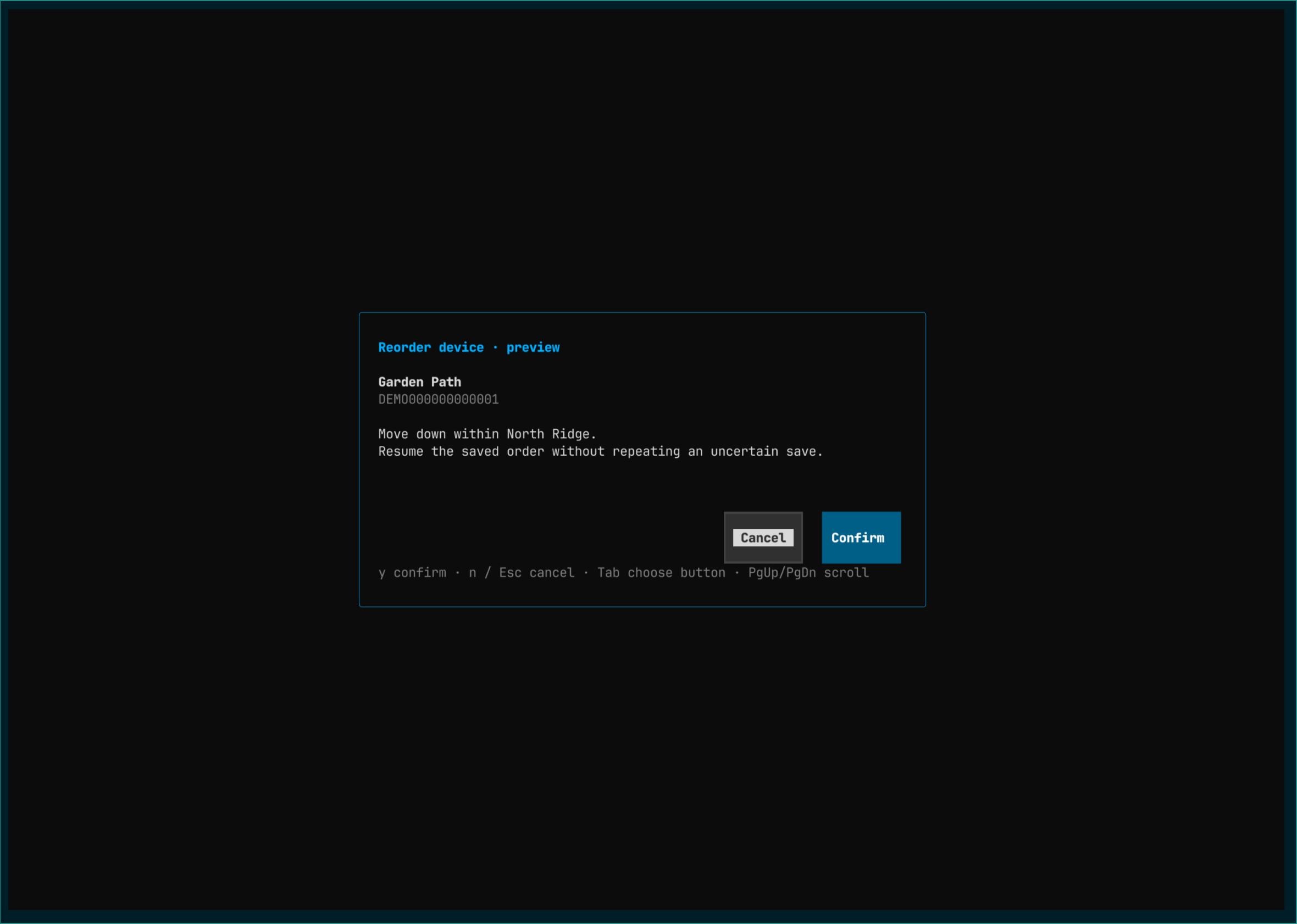
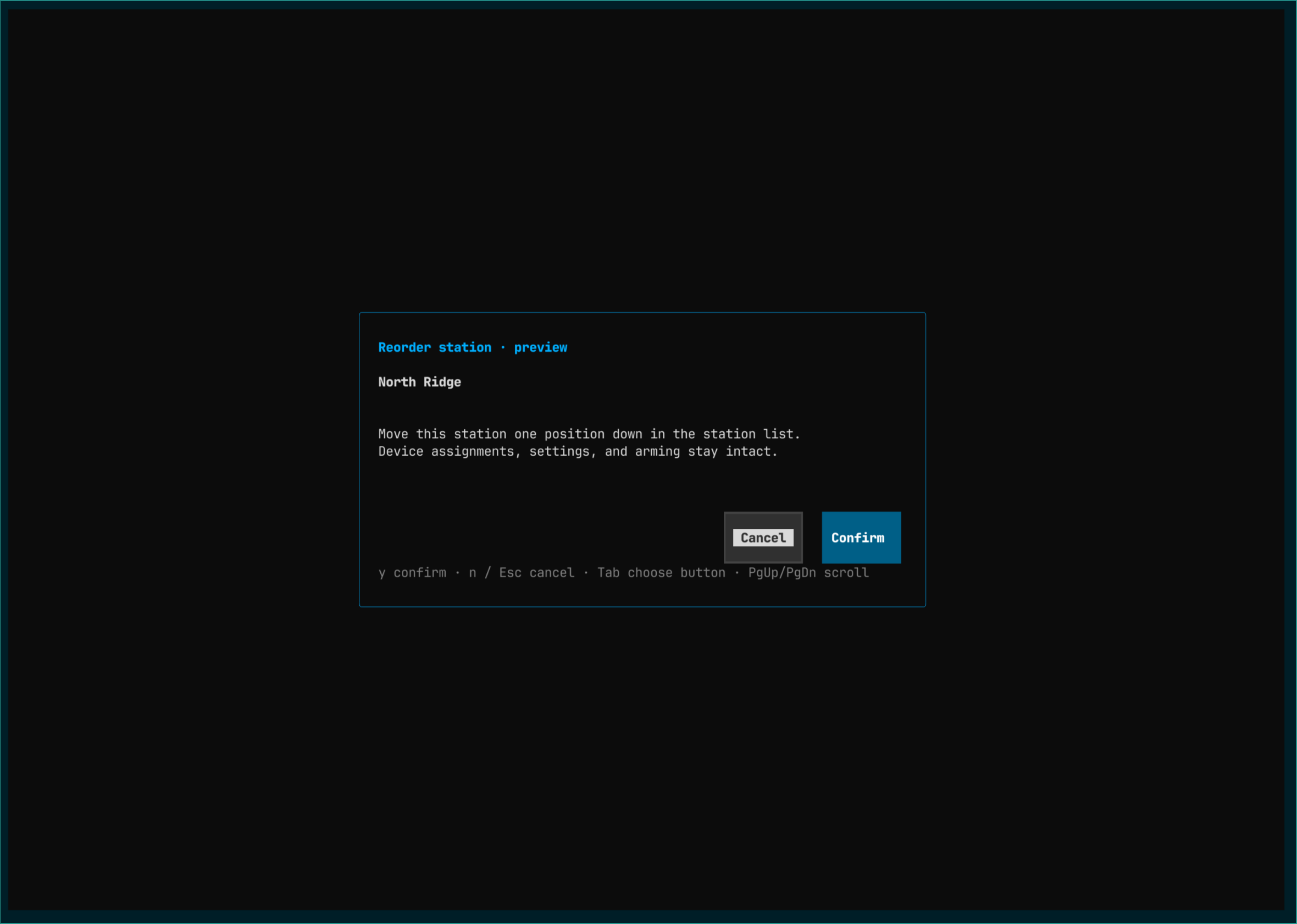
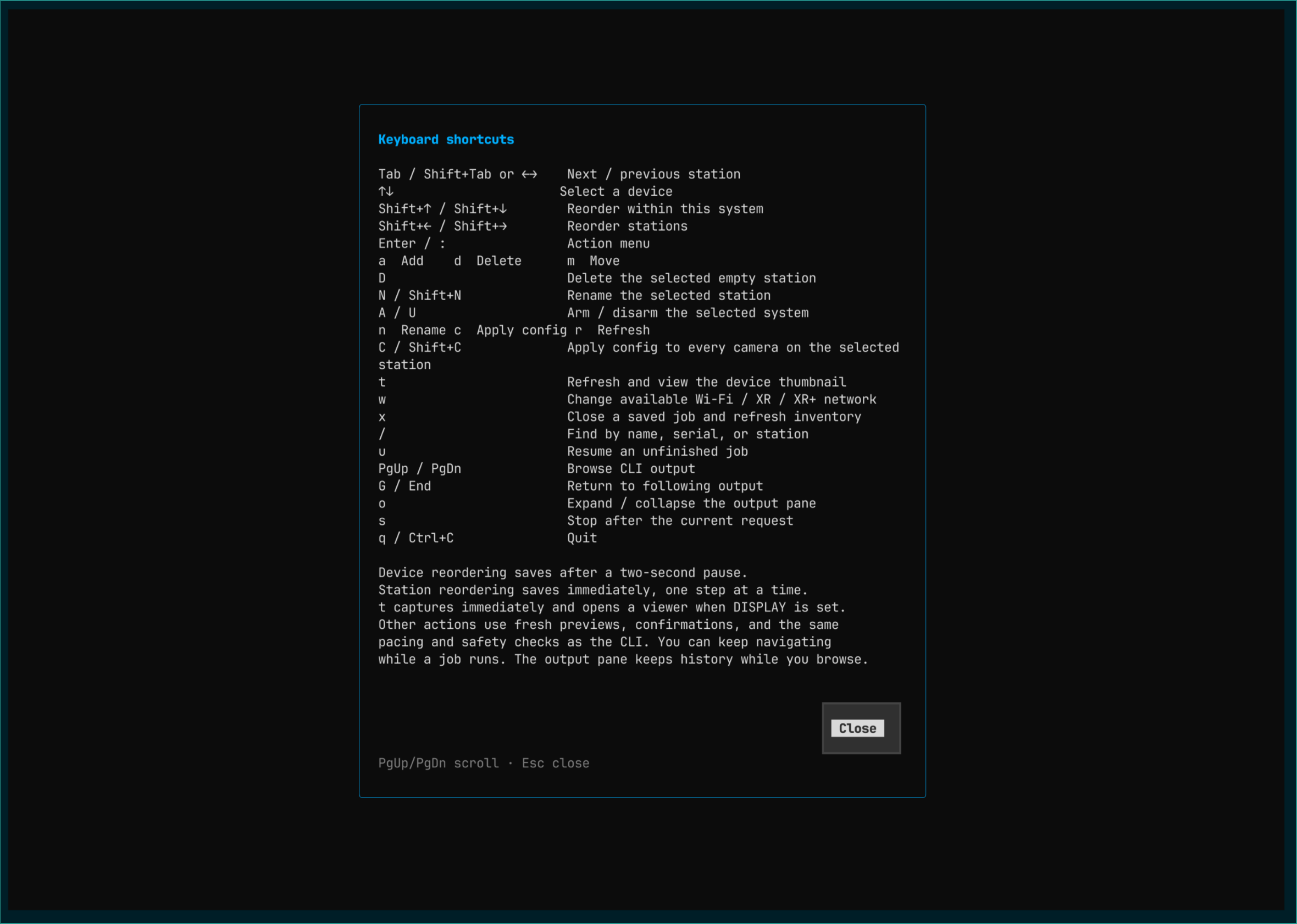
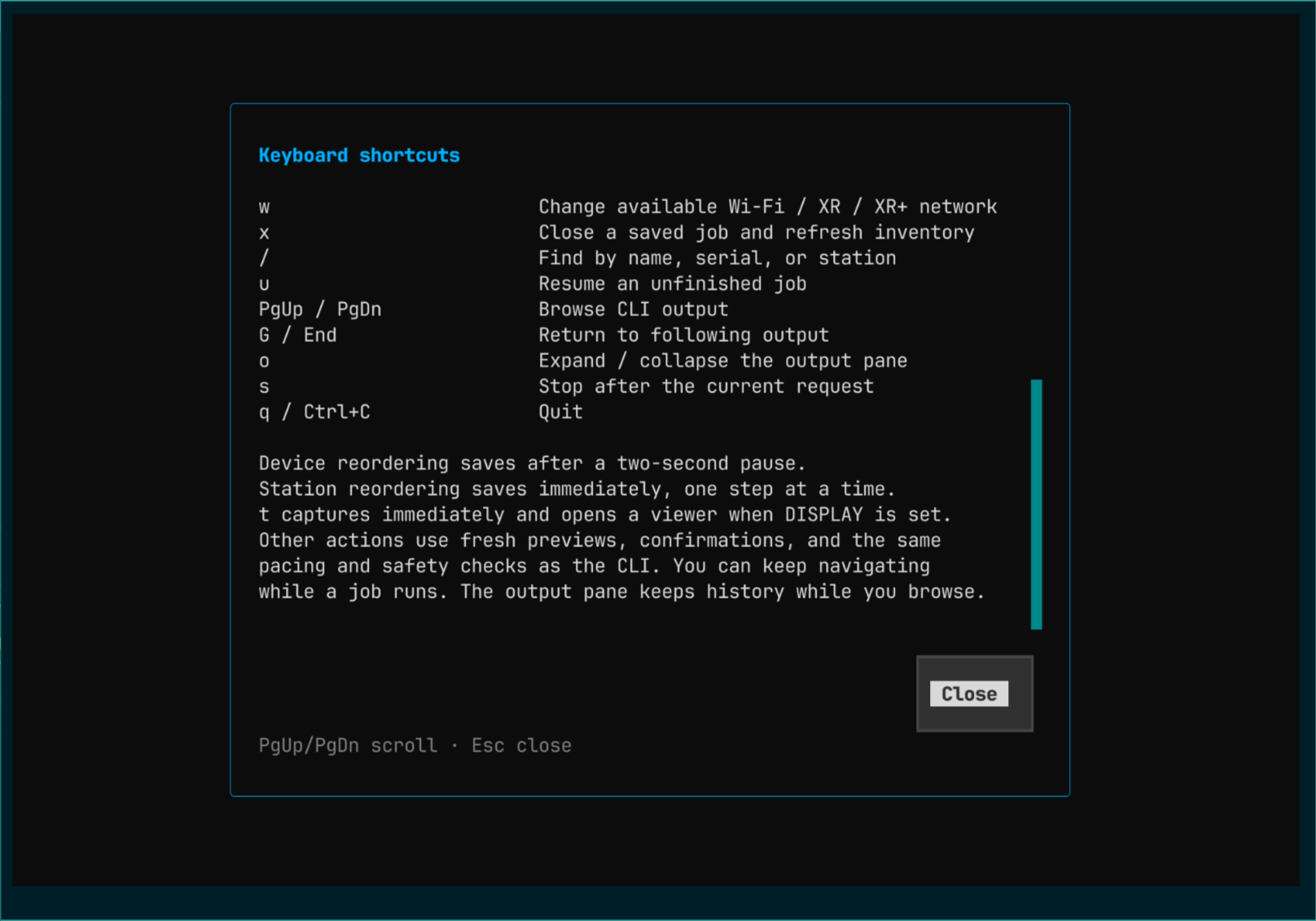
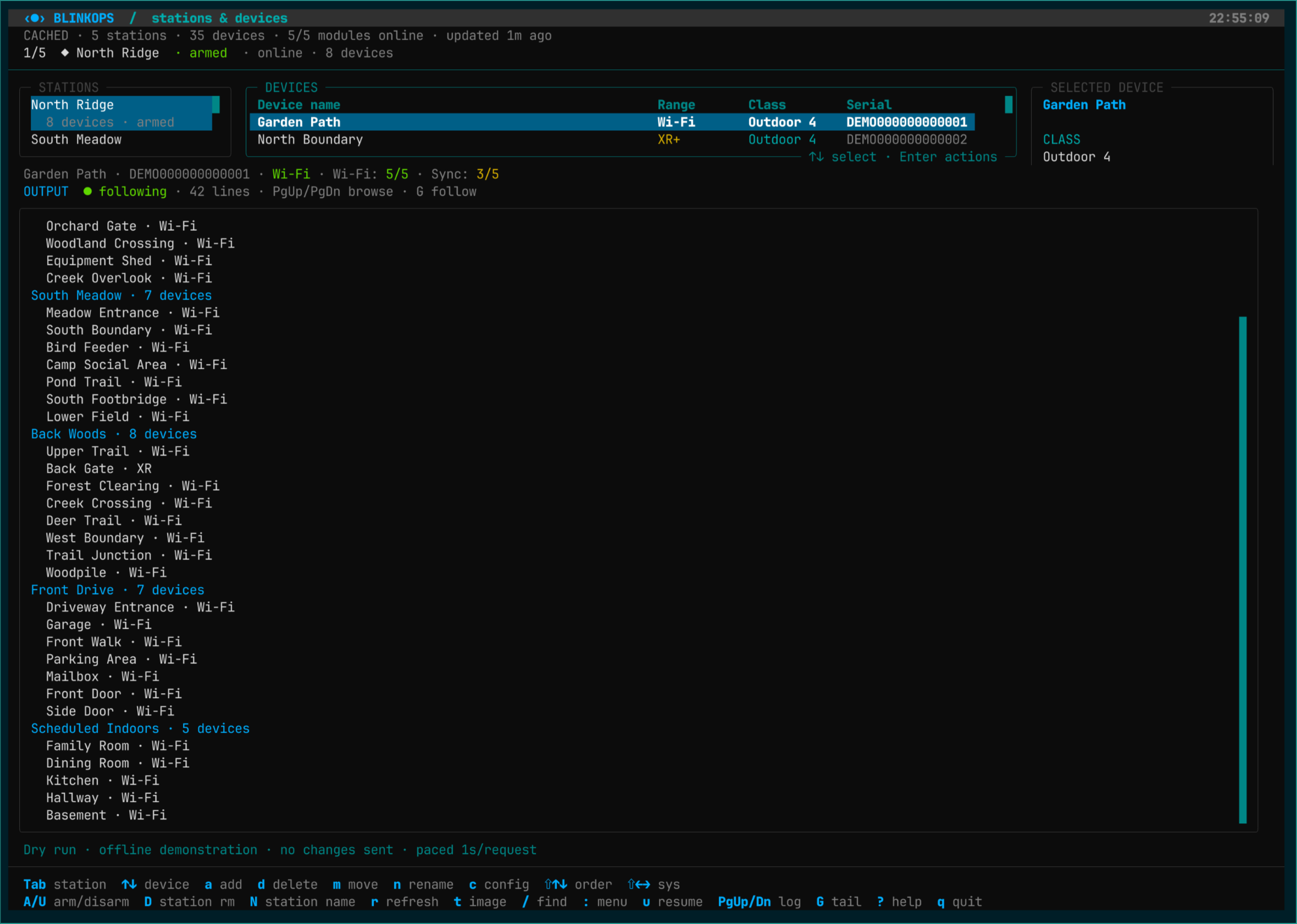
Five stations, 35 devicesFive stations and 35 devices: 33 use Wi-Fi, North Boundary uses XR+, and Back Gate uses XR on a different station. Armed states and signal levels are visible.XR+ camera detailsNorth Boundary uses XR+ transport; its device identity, station, range and signal strength appear beside the inventory.XR camera detailsBack Gate uses XR on Back Woods. The sole XR+ camera belongs to North Ridge, a different station.Browse a second stationSouth Meadow contains seven Wi-Fi cameras. Across the entire account, only one camera uses XR and one uses XR+.Back Woods inventoryBack Woods contains seven Wi-Fi cameras and one XR camera. The XR+ camera is on North Ridge.Doorbells alongside outdoor camerasFront Drive includes outdoor cameras and doorbells. Front Door is selected with Wi-Fi and Sync Module signal levels.Indoor Mini camerasThe disarmed Scheduled Indoors station contains five Mini and Mini 2 devices; selecting Family Room shows its Wi-Fi connectivity.Keyboard action menuThe menu collects device actions, station controls, network selection, search, help and output navigation.Find across all stationsSearching for trail filters devices across the entire 35-device account, with station names and full demo serials.Add camera formEnter a full serial, optional name and destination before opening the registration preview.Review camera registrationThe add preview identifies the destination, Wi-Fi registration, saved defaults and temporary destination disarming before confirmation.Explicit Force move choiceThe move form requires an explicit Force move opt-in for XR/XR+ cameras and explains the possible need for physical recovery.Review a Wi-Fi camera moveThe confirmation identifies source and destination, retained name, desired recording settings and the remove/register/restore/verify workflow.Forced XR+ move previewThe preview records that Force move is enabled for North Boundary. This is an offline fixture demonstration, not a live XR+ recovery test.Forced XR move previewBack Gate's forced XR move presents the same Wi-Fi re-registration and physical recovery caveat before confirmation.XR+ move blocked by defaultWithout the explicit Force move choice, fresh fixture preflight blocks automatic deletion of the XR+ camera and offers no confirm button.App-assisted Mini moveThe preview explains the Mini's Blink-app setup and subsequent resume step for restoring its name and destination arming.Outdoor 2K+ move previewThe Outdoor 2K+ preview explains that the original name is restored while other settings may reset.Review a device renameThe current and proposed names appear together before any change can be confirmed.Review camera defaultsThe settings diff shows Status LED, video quality, clip length and Photo Capture changes before applying the shared configuration.Review defaults for a stationA scrollable batch preview lists eight cameras and their model-specific settings; execution would process one device at a time.End of station configuration reviewScrolling to the end reveals the final cameras, the full settings list and the preservation note while confirmation buttons remain visible.Review system disarmingThe system name, numeric system ID and Armed to Disarmed transition are shown before confirmation.Review system armingThe indoor station's Disarmed to Armed transition is reviewed using its exact system identity.Available camera networksThe selected North Boundary camera currently uses XR+; the chooser shows its Wi-Fi, XR and XR+ modes.Review XR+ to Wi-Fi selectionThe selected XR+ camera is reviewed for a switch to Wi-Fi. This preview does not add another extended-range camera to the account.Review Wi-Fi camera deletionThe destructive confirmation identifies the exact camera and explains that settings and progress are saved before removal.Standalone XR+ deletion blockedStandalone deletion remains blocked for XR+ transport; the blocked preview contains no destructive confirm button.Occupied station deletion blockedDeleting a station with registered devices fails preflight before any cloud change.Review a device order changeThe device reorder preview describes the station-local move without changing device settings or assignments.Review a station order changeThe station reorder preview preserves device assignments, settings and arming. This review uses the shared planner; normal reorder shortcuts save automatically.Keyboard shortcutsThe complete help text now fits this tall terminal, including the final output and saved-job guidance.Help scrolling in a smaller terminalOn a smaller terminal, the help body scrolls to its final guidance while the close button stays visible.Stop an active job safelyThe stop dialog explains saved progress, requests that may still finish, and the stop/close/refresh choices. Only the dialog is demonstrated; no job was executed.Expanded output historyThe expanded output pane displays an offline inventory summary across all five stations, while keeping navigation shortcuts visible.